
SPSS
The Statistical Package for the Social Sciences is powerful data analysis software that is available to Utah State University students with active student status and login credentials. You will be using a virtual machine to access the software.
First Time Installation
Access the Citrix Server
Sign in with your A number and USU password

Download and install the Citrix Workspace App
After you log in, the webpage will attempt to detect the application. Click Detect Citrix Workspace app.
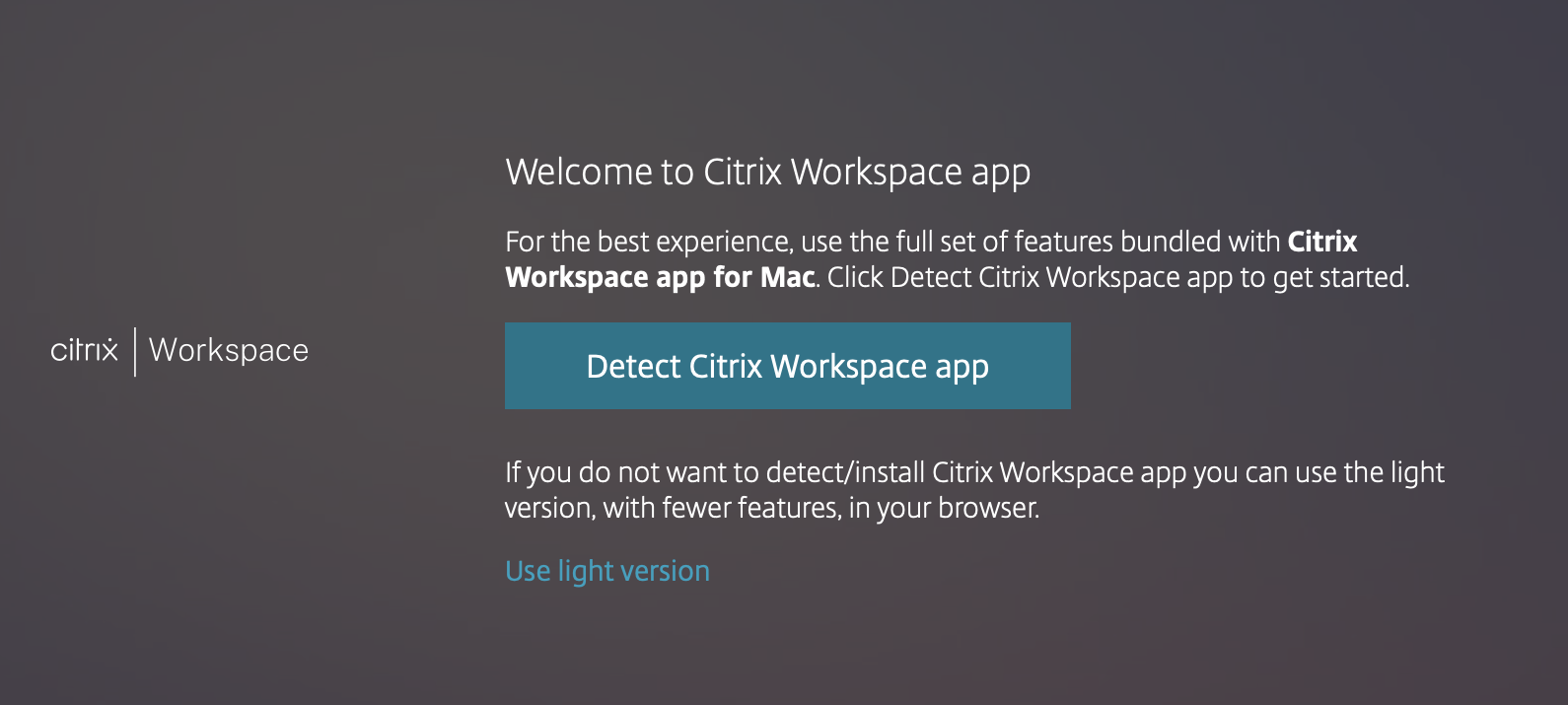
This will reveal the download prompt. Read and check the box to agree with the Citrix license agreement to unlock the Download button.

Click the Download button and follow the prompts to install the software.
Accessing SPSS
After you have installed the software, you will need to go back to the Citrix Server to launch the software.
Access the Citrix Server
Sign in with your A number and USU password
Click Detect Citrix Workspace App
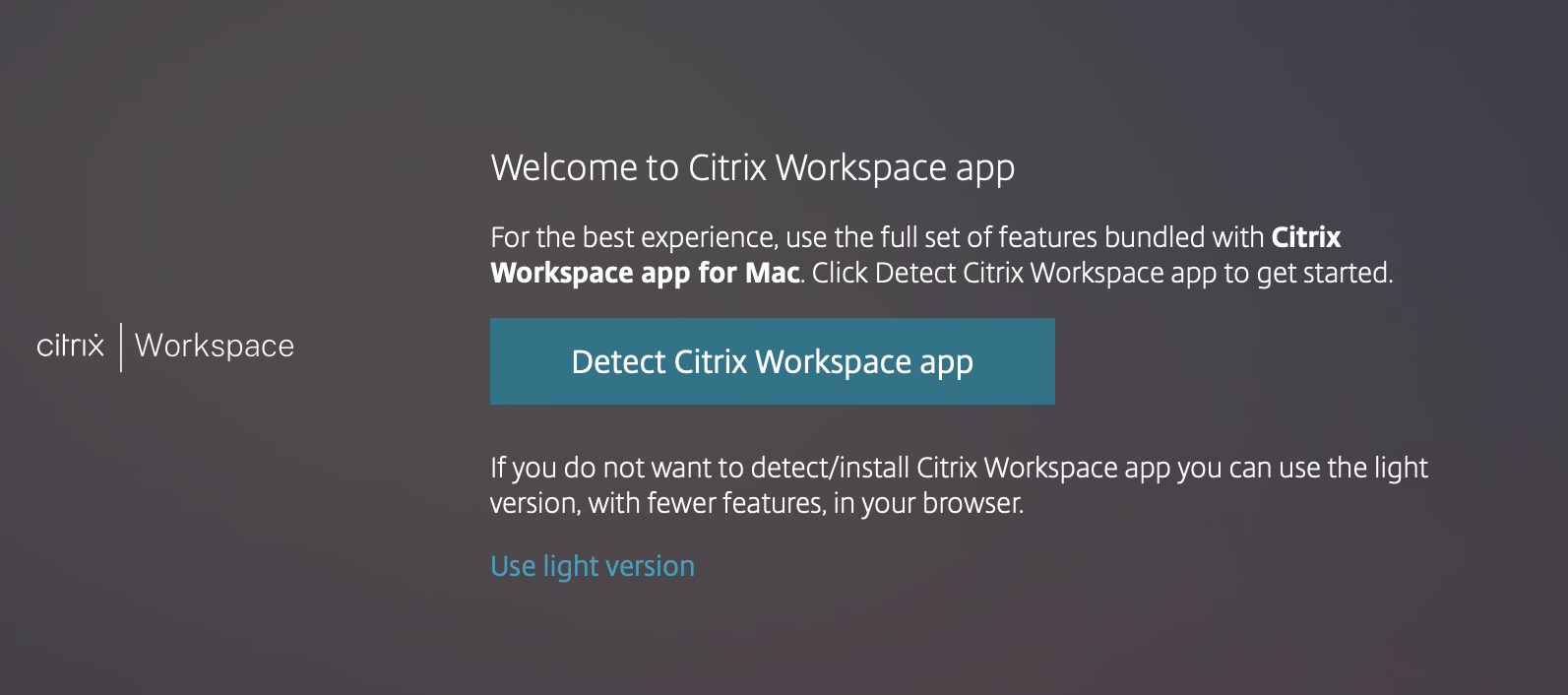
If the webpage is not successfully detecting the Citrix Workspace app, you may need to refresh the page, or click Use light version. This will load the workspace, but with slightly limited usability.
Click IBM SPSS Statistics 29

If a new windown does not open, you may also click the arrow to open a submenu with a link.

Sign in with 'aggies', A number, password

When prompted to log into the virtual machine, enter the word aggies followed by a backslash then followed by your A number as the user name. It should look like this:
aggies\a00000000
The password is your USU account password. If you have problems logging in at this stage, contact the IT Service Desk.
Your instructor will provide you with the information you need to use the SPSS software.