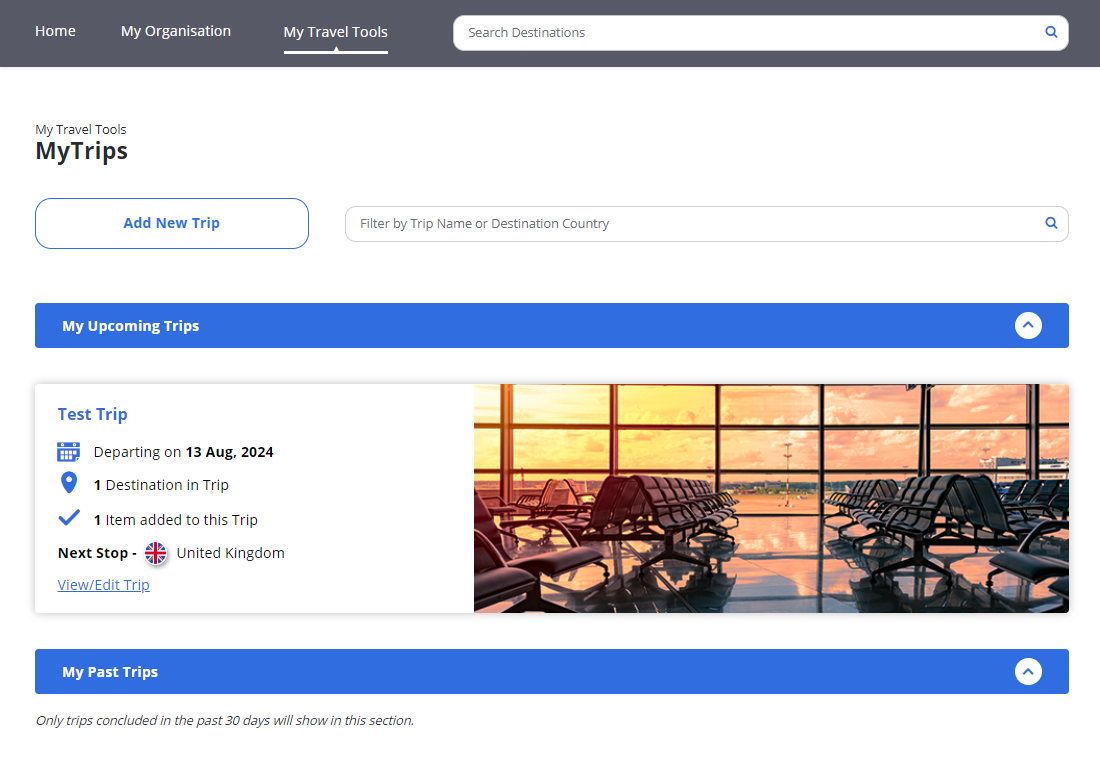
Adding a Trip
1
Step 1
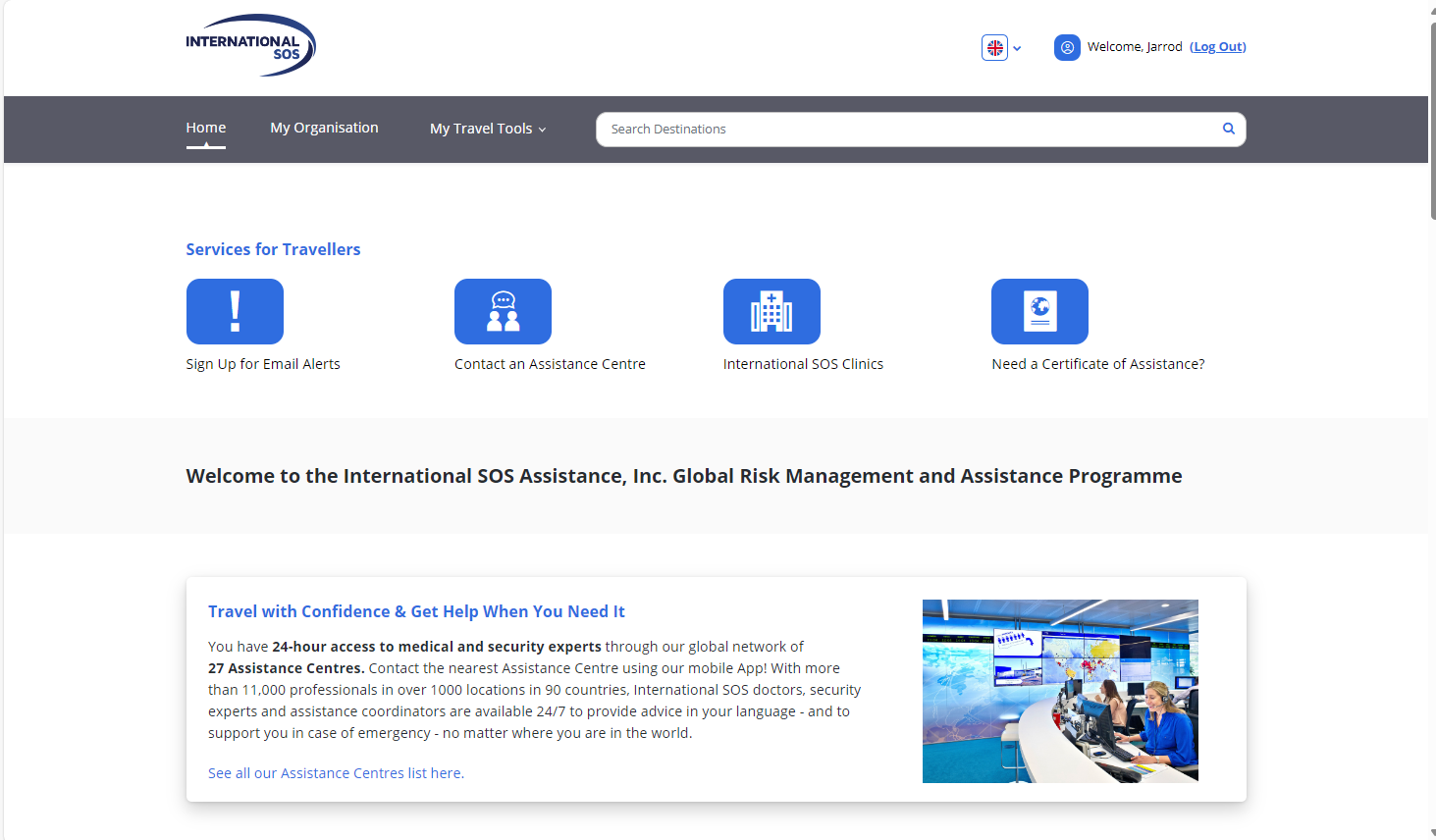
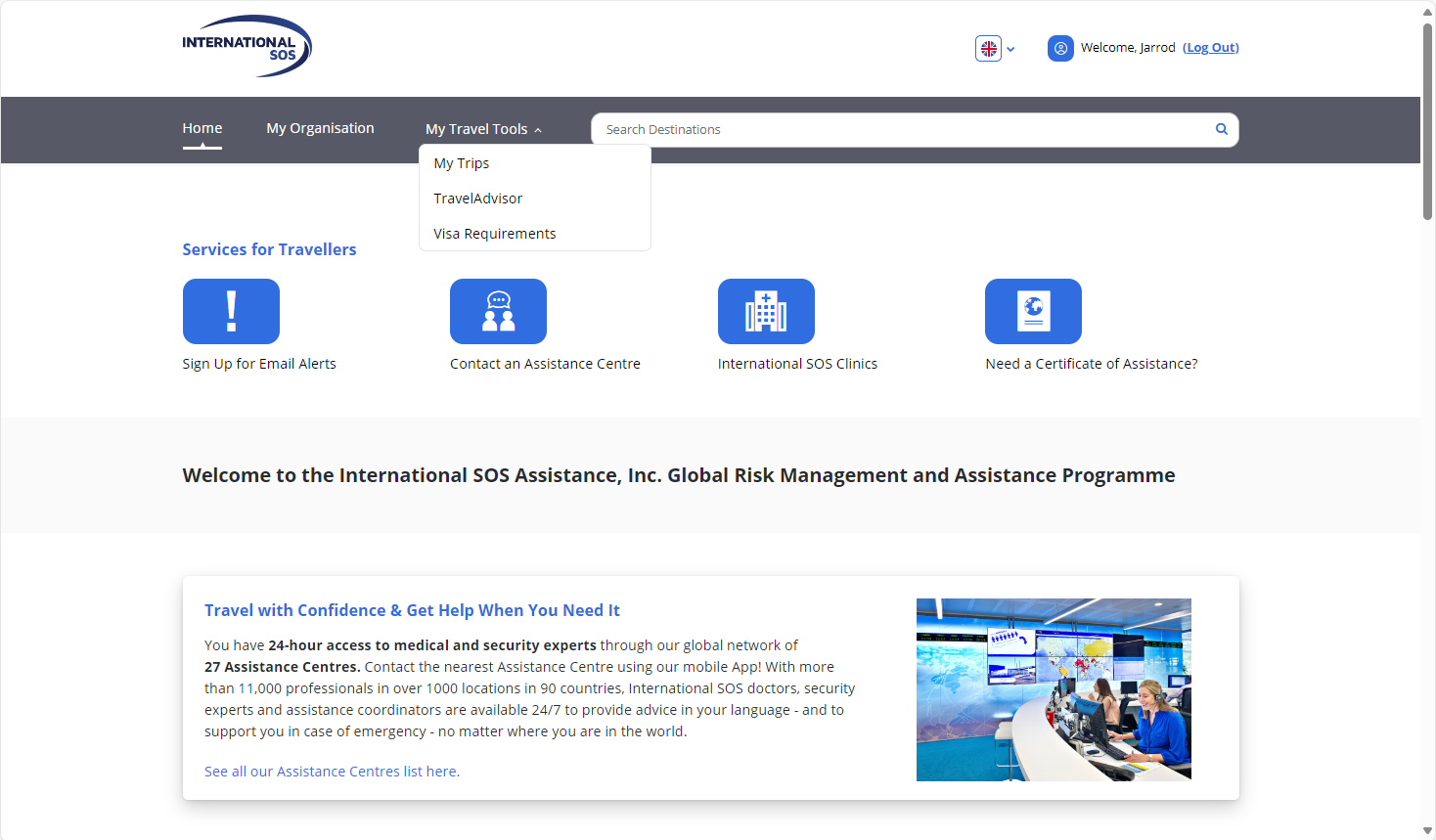
Pull down the My Travel Tools menu and select My Trips.
2
Step 2
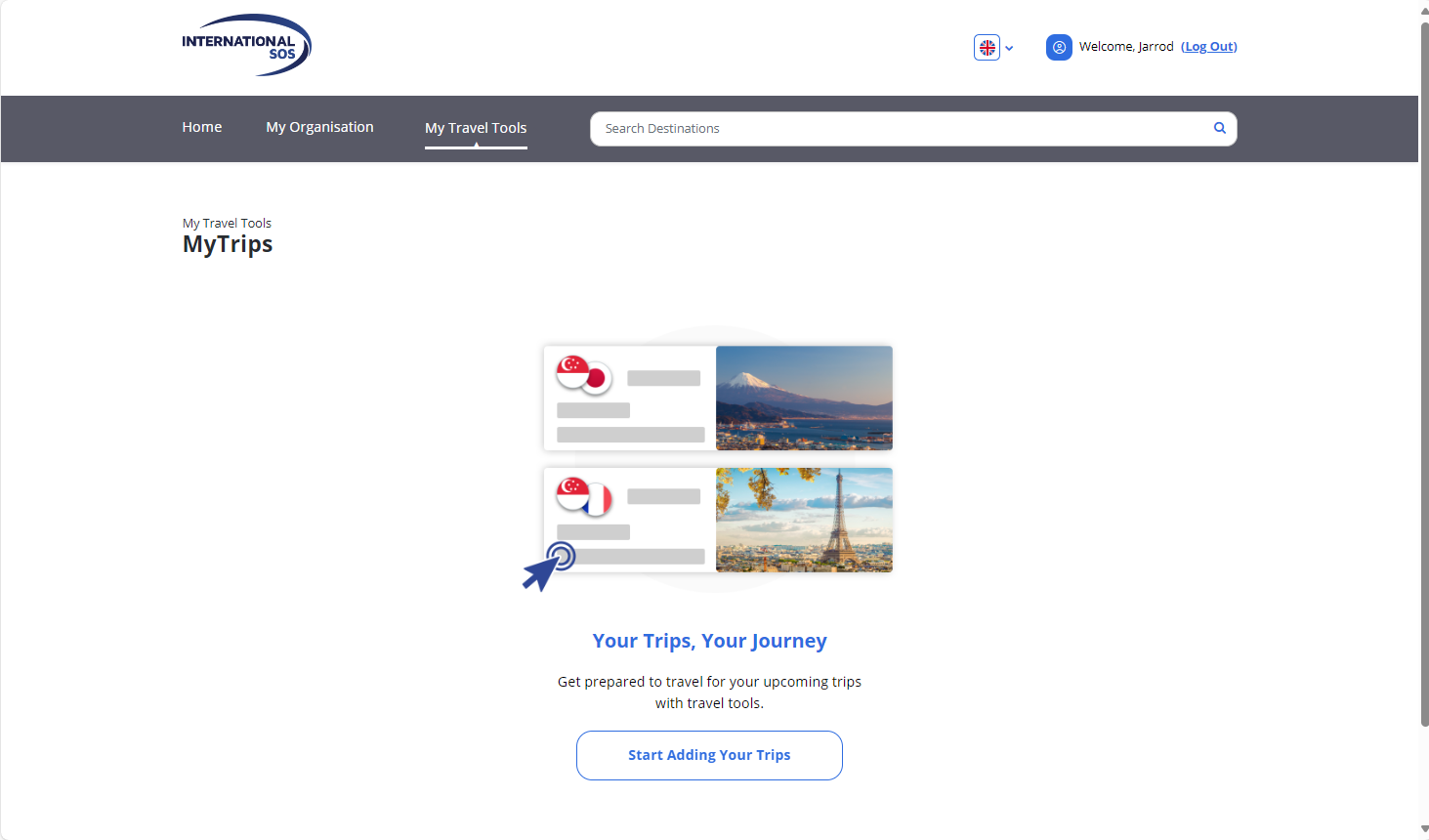
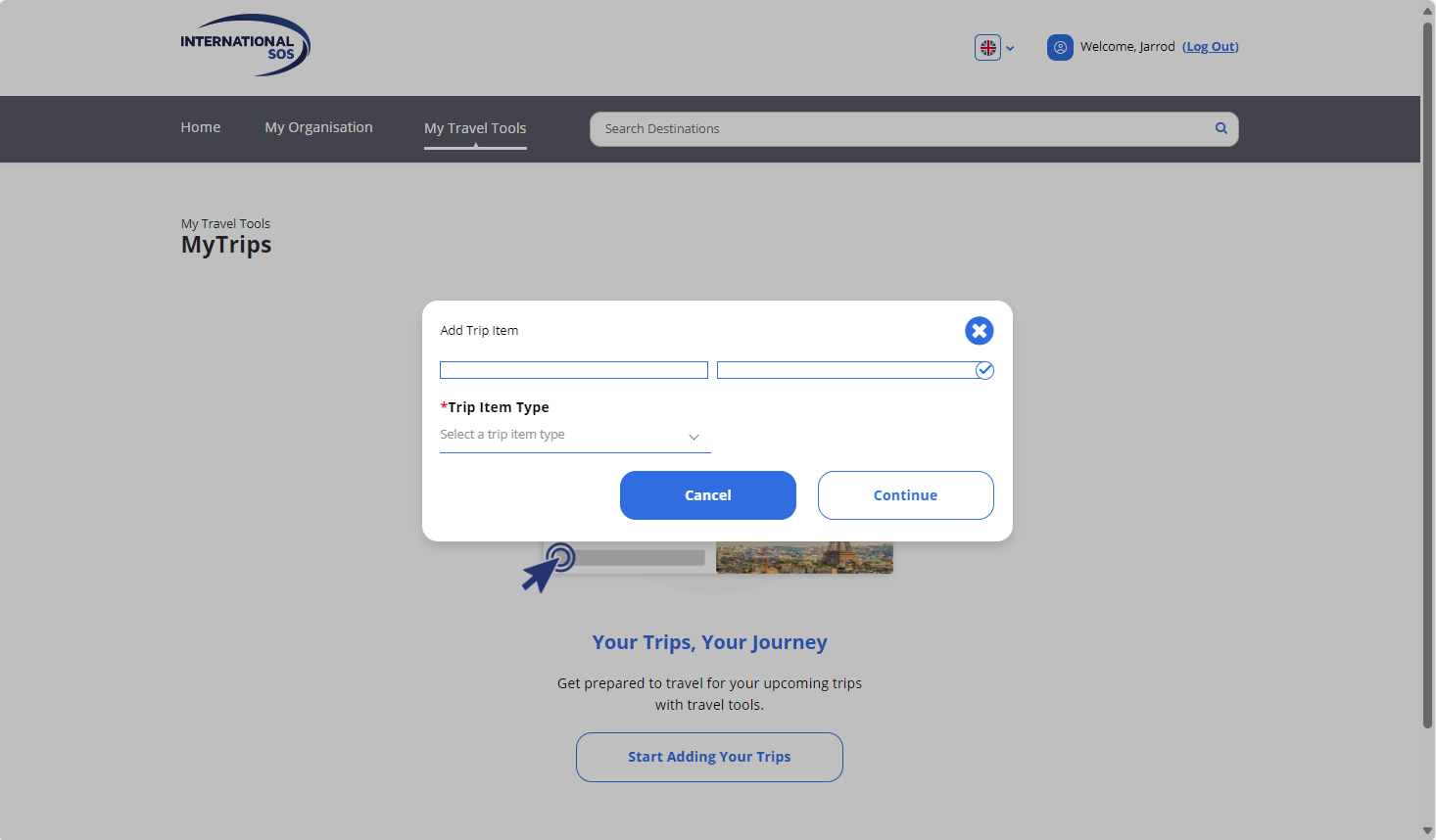
Click on the “Start Adding Your Trips” link.
3
Step 3
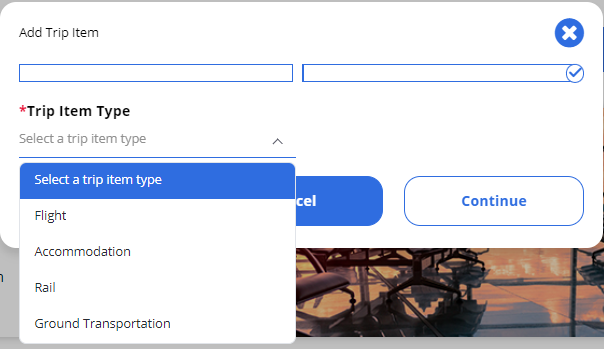
Select the trip item you’d like to add (i.e., flights, hotels, etc.)
4
Step 4
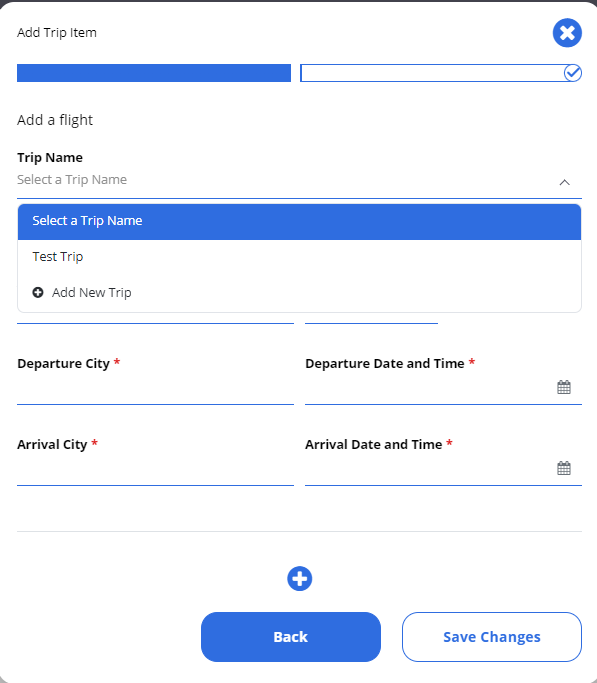
Name your trip.
5
Step 5
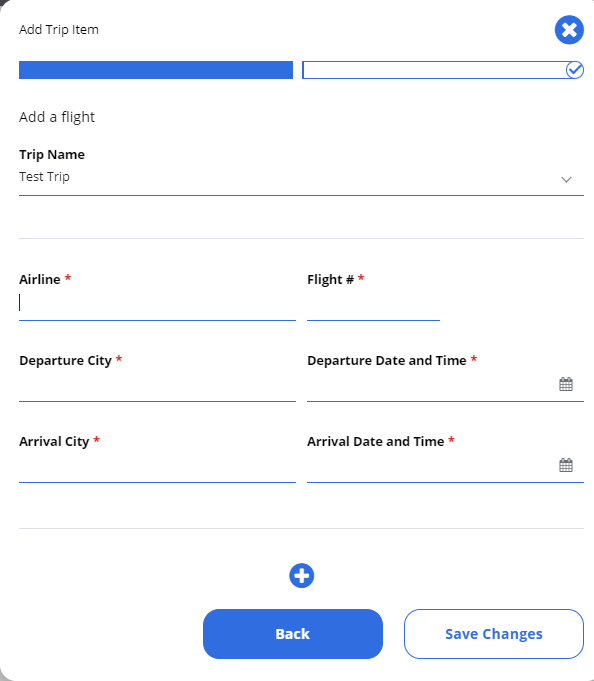
Then start by adding your flights. Each leg of your flights to your destination and back should be entered as a separate flight. Click Save Changes after adding the information for each flight.
6
Step 6
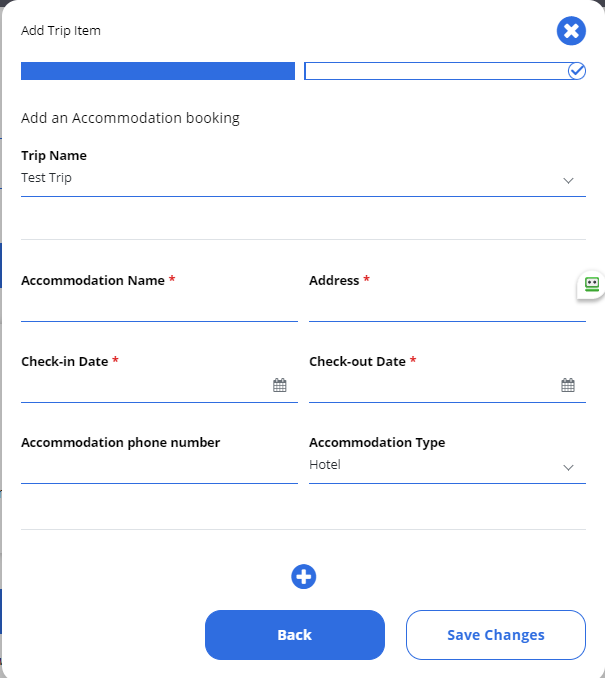
Enter your accommodation information. When you are finished, select Save Changes.
7