
International Travel FAQ
Logging into International SOS MyTrips
The first time you try to log into MyTrips, you will need to create an account.
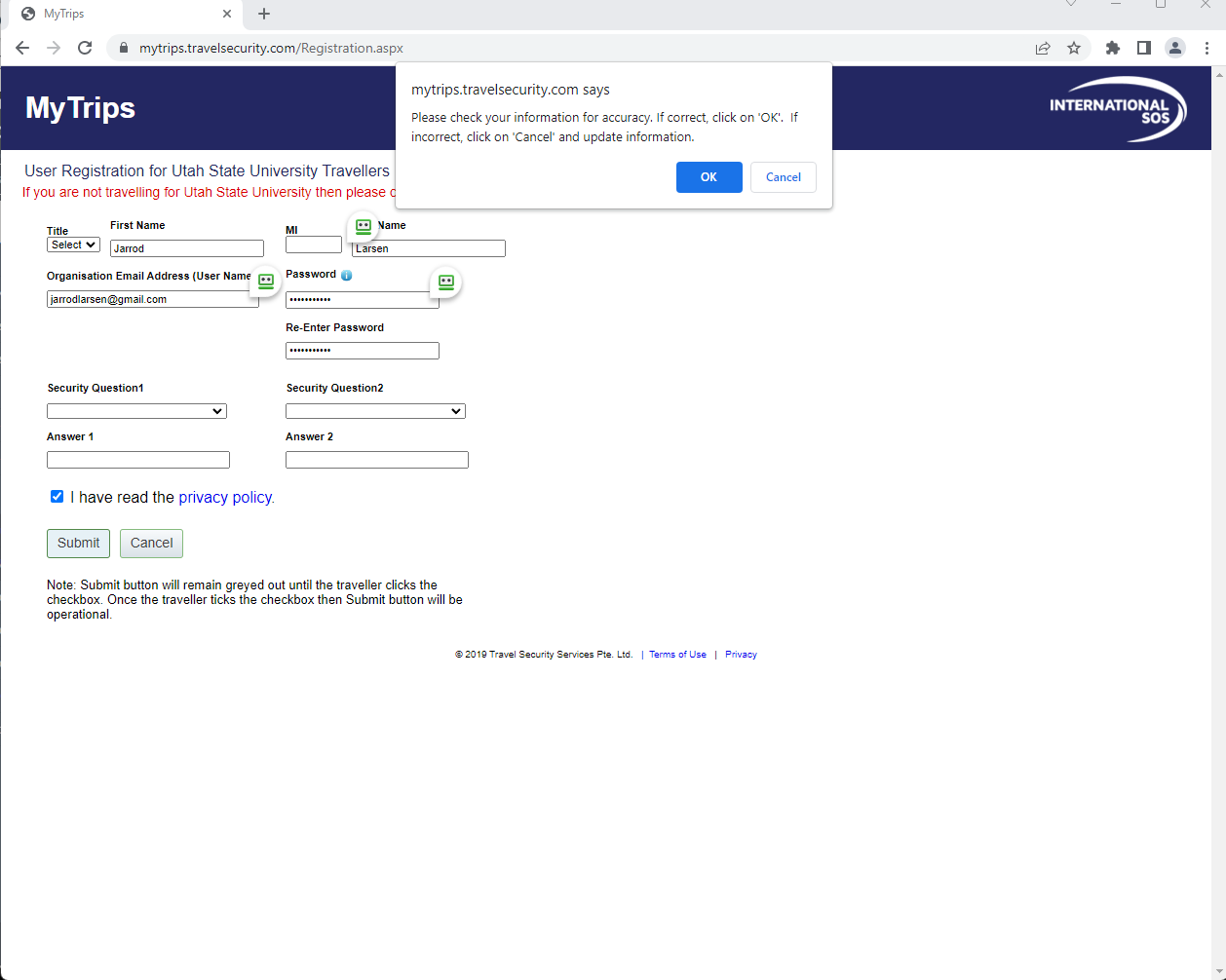
- You'll use the "New User? Register here" link under the login window.

- Fill out the appropriate information and click submit. Make sure you use your firstname.lastname@usu.edu email address as your email/username. Check the (!) button next to password to see the password requirements.

- Once you click "Submit" there will be a pop-up asking you to confirm that the information is correct. When you click "Okay" you will be directed to the following window:
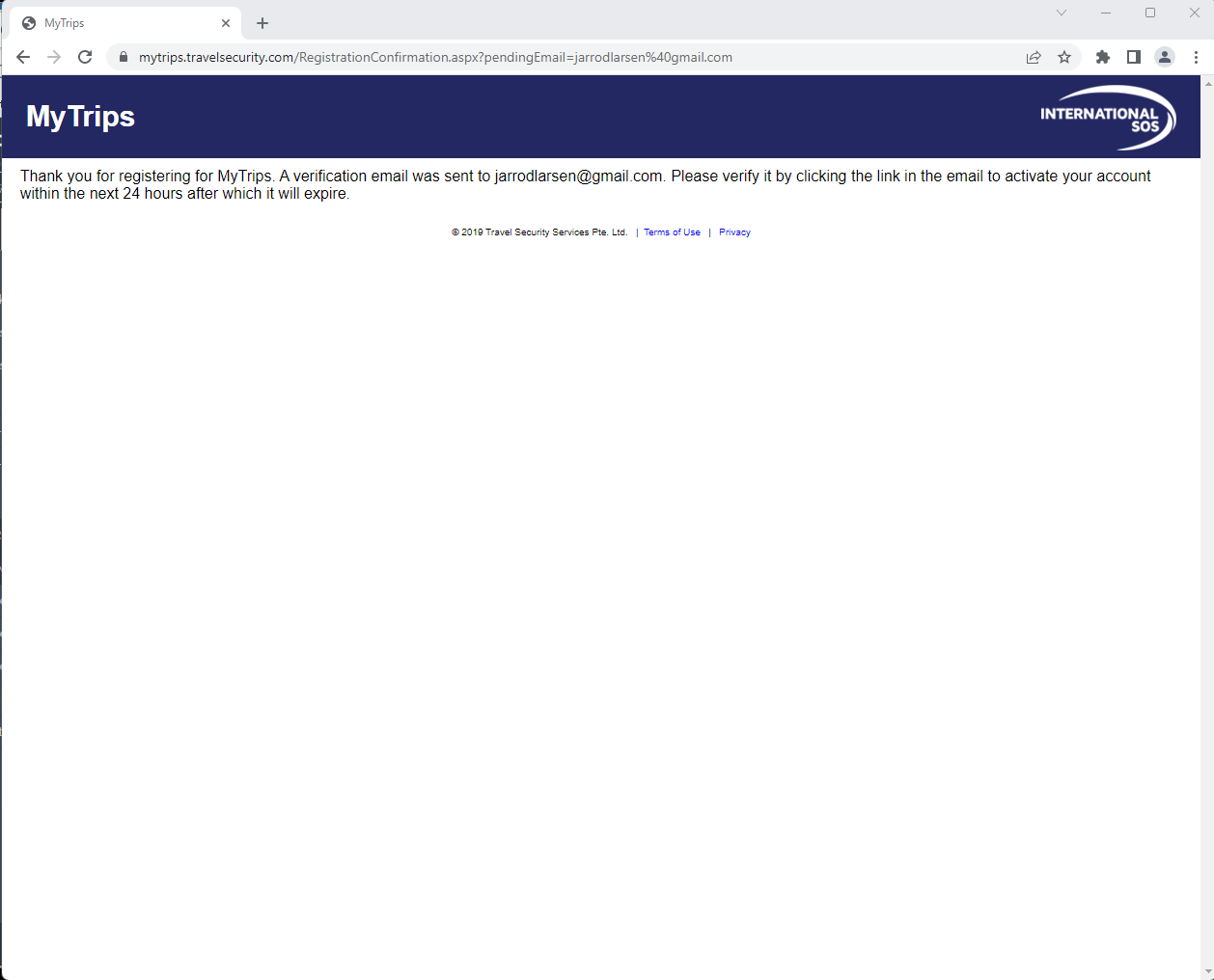
- Check your email for a message from traveltracker@travelsecurity.com that will contain a link to confirm your account creation.
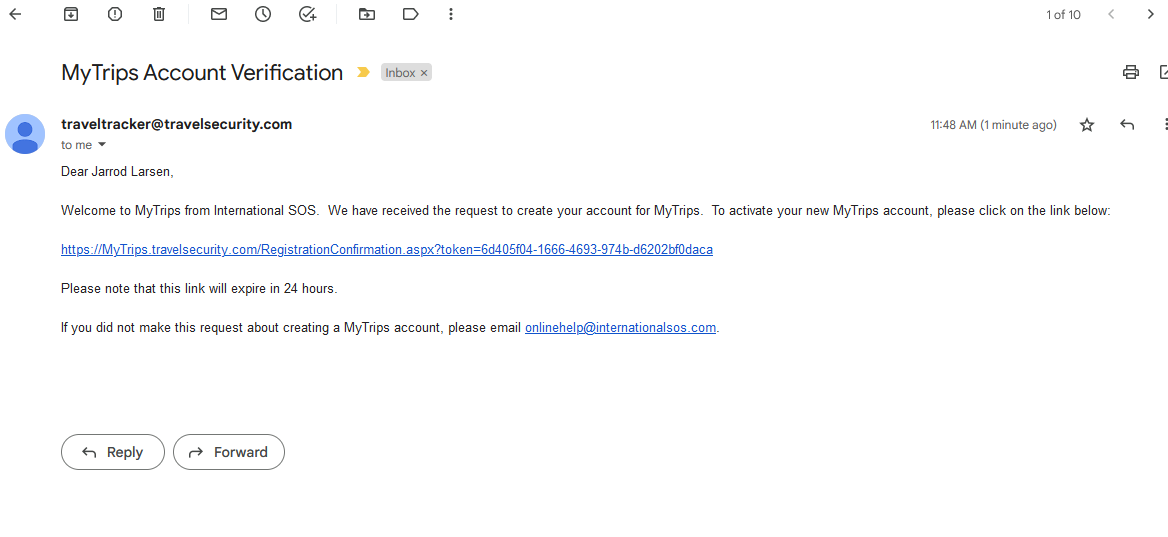
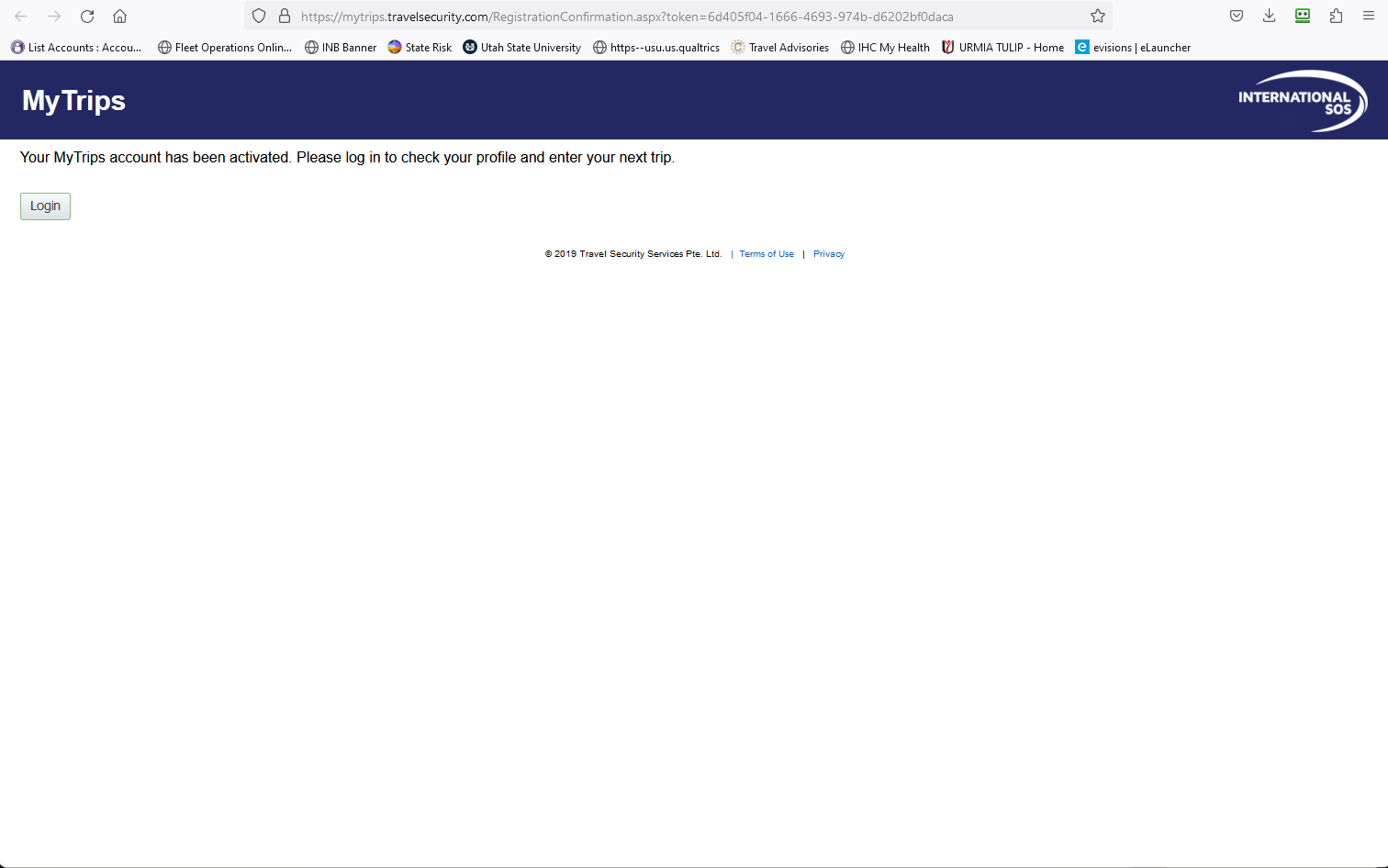
- Clicking on the link in the email will take you to a confirmation page that will have a link to log in to you account with your new credentials.
Why am I receiving an email from International SOS reminding me to complete my travel registration when I have already registered my trip in MyTrips?
Registering your international travel in compliance with USU Policy 5303: International Travel consists of two parts. The first part is entering in your trip details in MyTrips, which is required before Risk Management can approve your travel authorization.
The second part is to fill out a TravelReady questionnaire that contains important attestations USU travelers are required to make about export control issues. The TravelReady questionnaire is also where you can declare any dependent travelers (i.e. spouse) who might be traveling with you. The TravelReady questionnaire should be filled out at least two (2) weeks prior to your departure date.
The email you are receiving is to remind you to fill out the TravelReady questionnaire. If you haven't received that email, the link to the questionnaire can be found here.
The questionnaire is behind USU's single sign on process. Your user name will be your official USU email address.
This is only a problem the first time you log into the questionnaire.
When I try to update my profile in the TravelReady questionnaire, it gives me an error saying, "Error Occurred. Please contact administrator." My information is correct by the page won't let me move forward.
Even though all your information is correct, sometimes a glitch will occur when creating/updating your profile. There are two ways to fix this:
- Close your browser, reopen it, and log into the TravelReady questionnaire using an incognito tab.
- Clear your cache, close your browser, and open it again. You should then be able to log in correctly to the TravelReady questionnaire in a new tab.
Additonal Questions
If you have a question on this topic that is not addressed here, please feel free to contact USU Risk Management and we'll do our best to get you an answer.