
Add Hypothesis as a Module Item
There are two ways in which you can add a Hypothesis activity to your course. The first being through an assignment, the next is to add it directly to the module. Adding the activity directly to the module will cause that the activity does not show up in your assignments, which means that it will not be accounted for in the gradebook.
To create a graded Hypothesis item, see how to create an annotation assignment with Hypothesis.
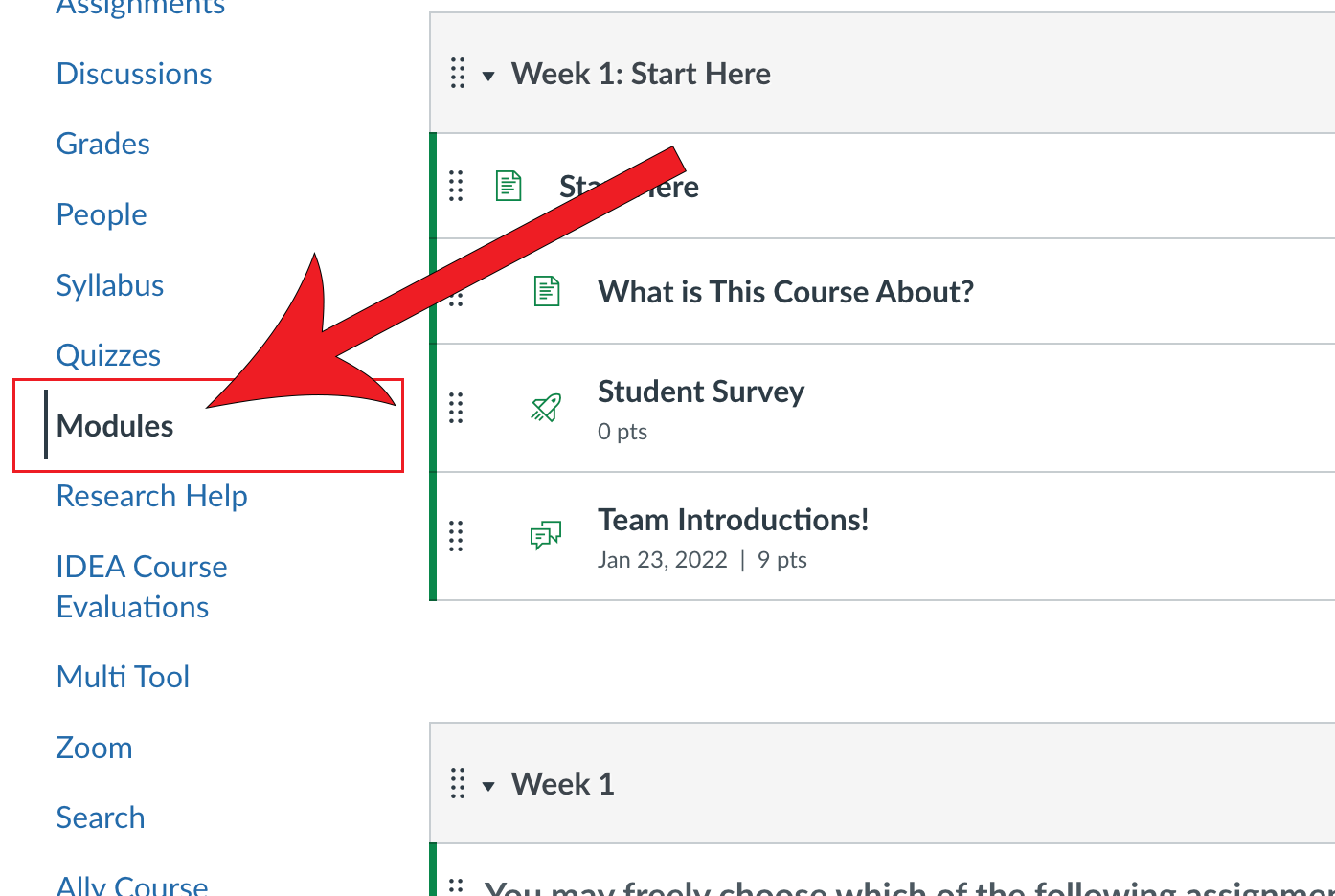
Navigate to Modules
Click + in the necessary module

Expand the Add dropdown and select External Tool

Locate Hypothesis

Select your file source or paste the URL

Enable the Group Assignment checkbox and select the groups if applicable
If you haven't already done so, you may need to authorize Hypothesis in your Canvas course.

Click Continue

Scroll to the bottom of the pop-up window and update the Page Name

Click Add Item
