Download MyMedia Video
To download a video you have created using MyMedia:
1
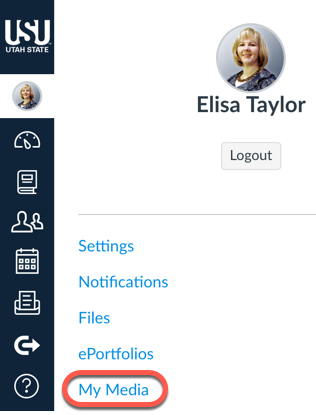
In Canvas, go to My Media by clicking the My Media link in your Canvas profile menu
2
Locate the video you would like to download and click on the pencil icon

3
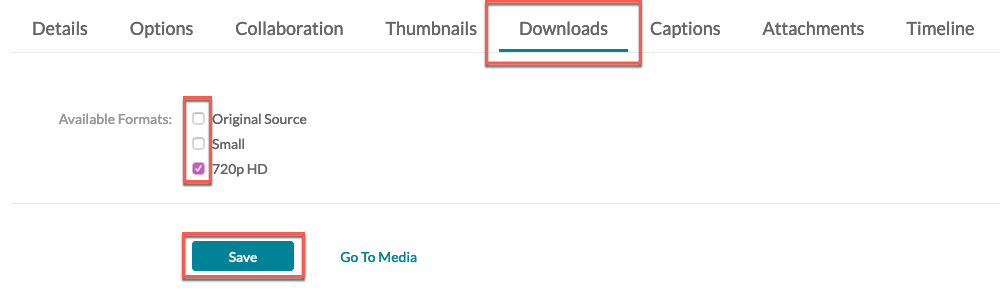
Click on the Downloads tab, check the box next to the size of the video you would like to download, then click Save
4
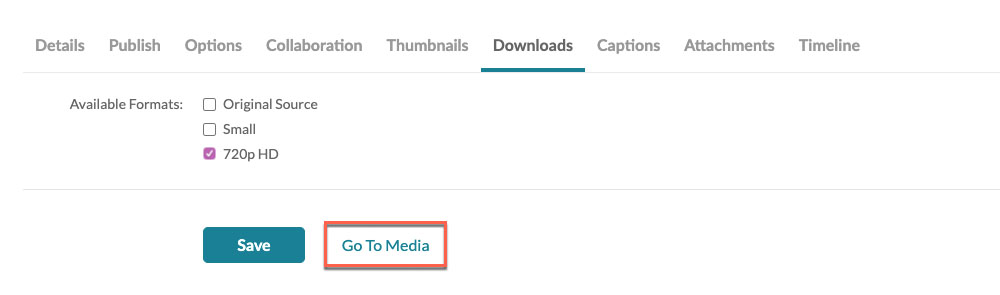
Click Go To Media
5
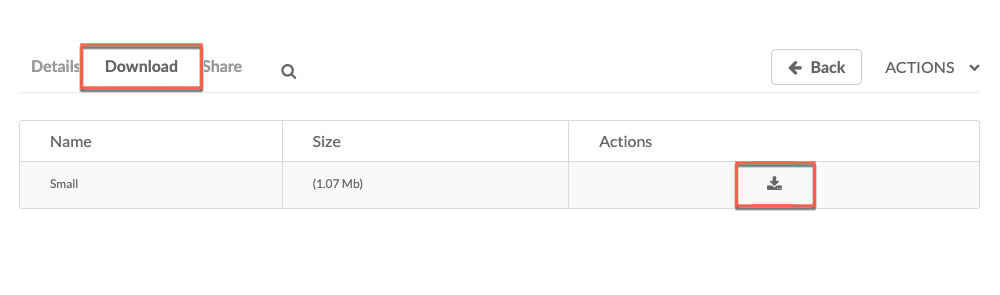
Choose the Download tab, then click the download icon