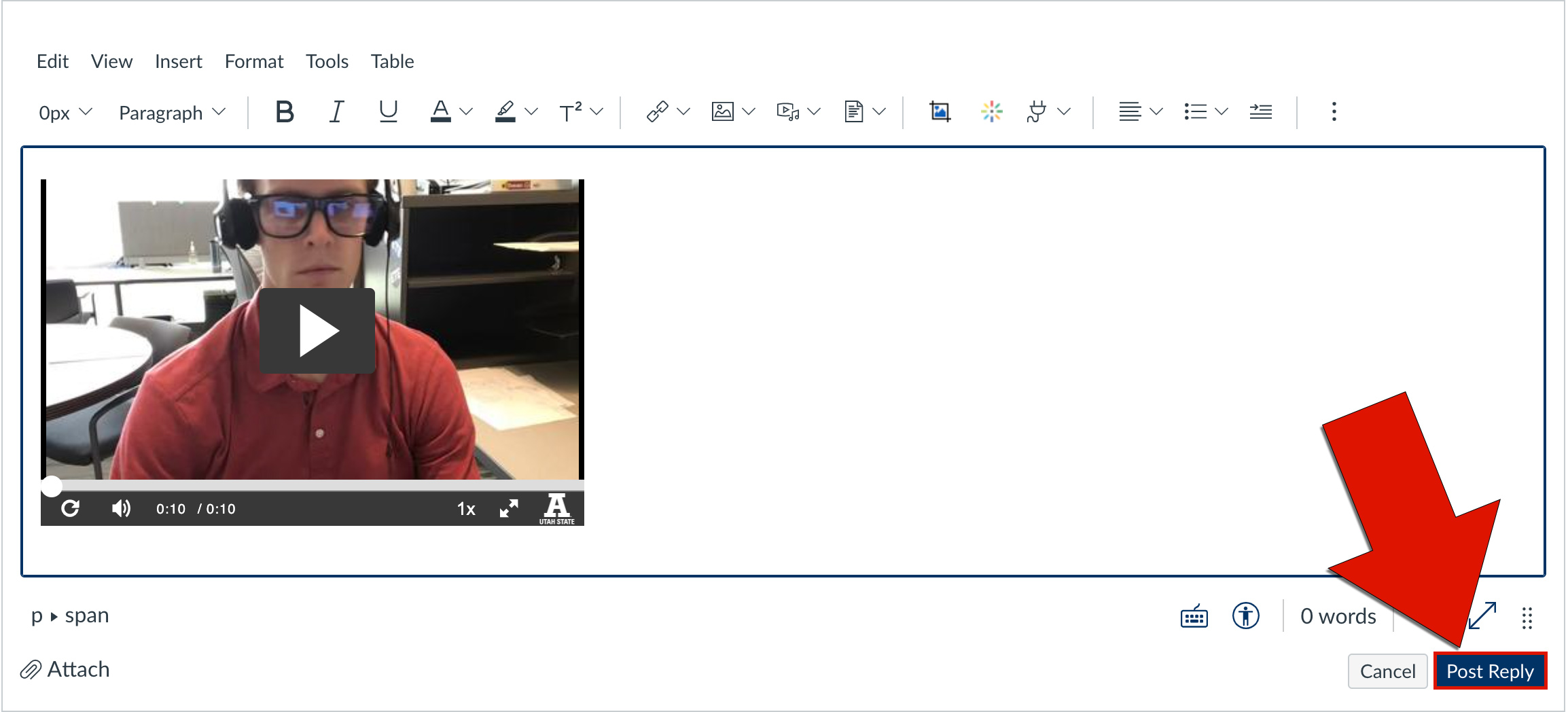
Post a Video as a Discussion Reply
Some discussion assignments may require you to embed a video in the discussion forum.
To record a video response for a discussion, follow these steps:
On the Discussion page, click Reply
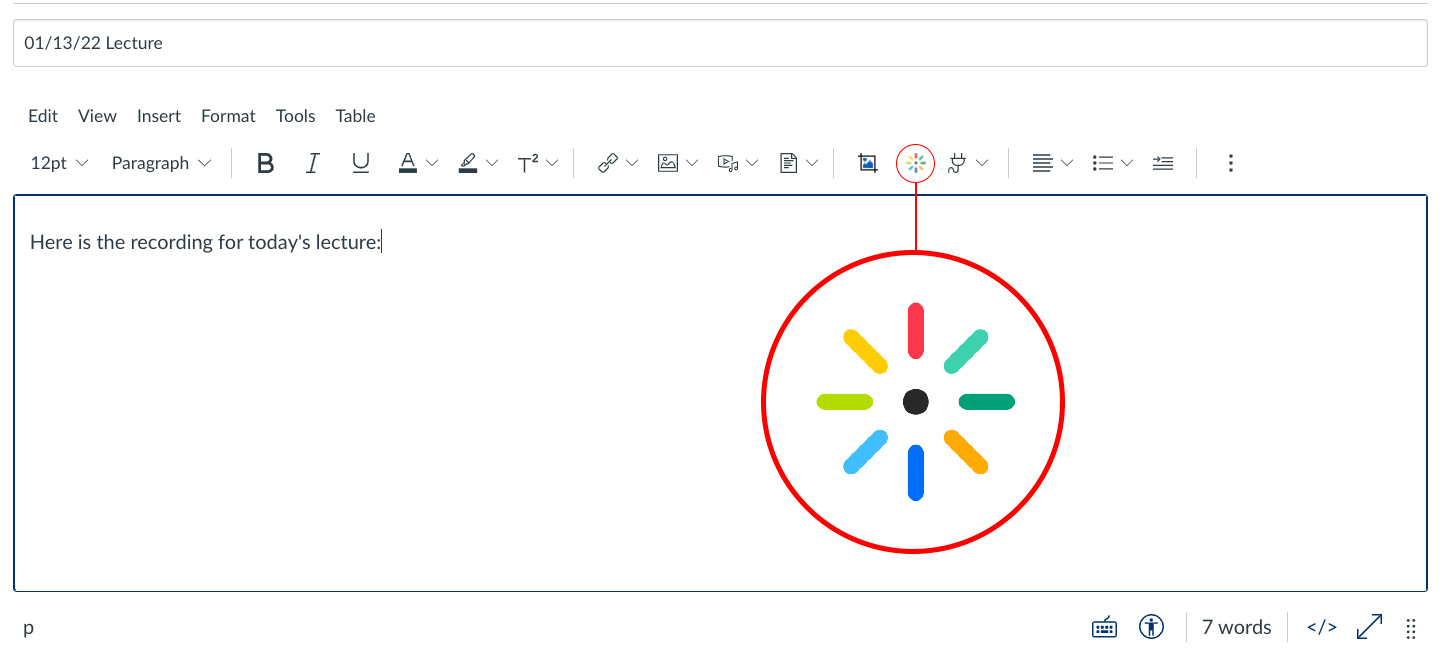
On the menu bar, click the Embed Media Kaltura icon (if you don't see it click on the three dots at the end of the toolbar to see the rest of the toolbar)
(If you get an error message, click on your account profile picture, then on My Media. That should authenticate you so you, then you can return to your assignment to make the recording. If that doesn't work, make sure you are allowing cookies for https://usu.instructure.com.)
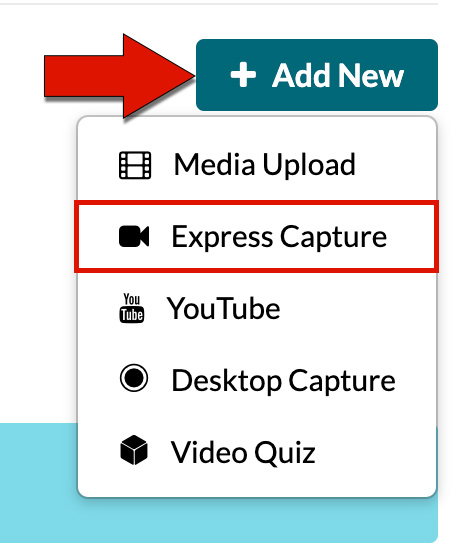
Click the Add New drop-down menu, then select Express Capture
Click the red button to begin recording
When finished, hit the white stop button
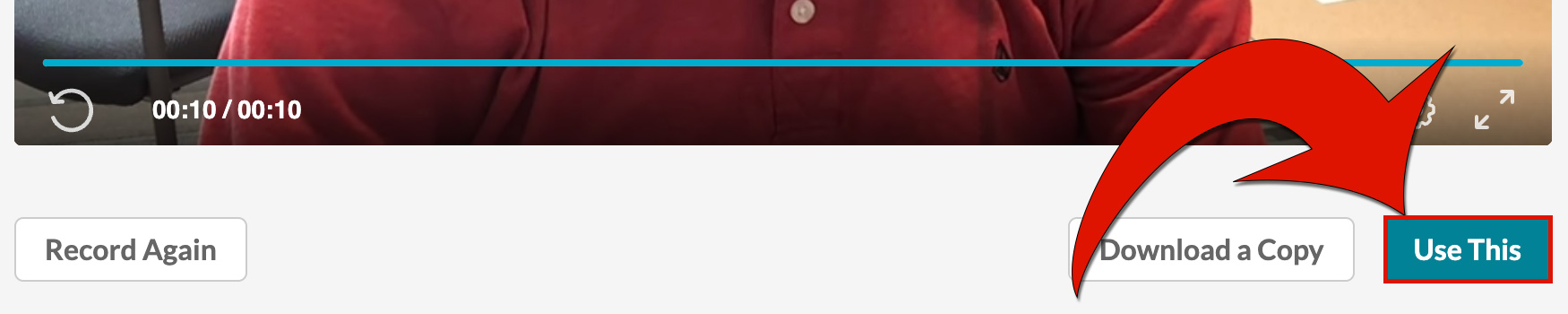
Review your video and click Use This
Give the recording a (1) Name, (2) description, and (3) tags
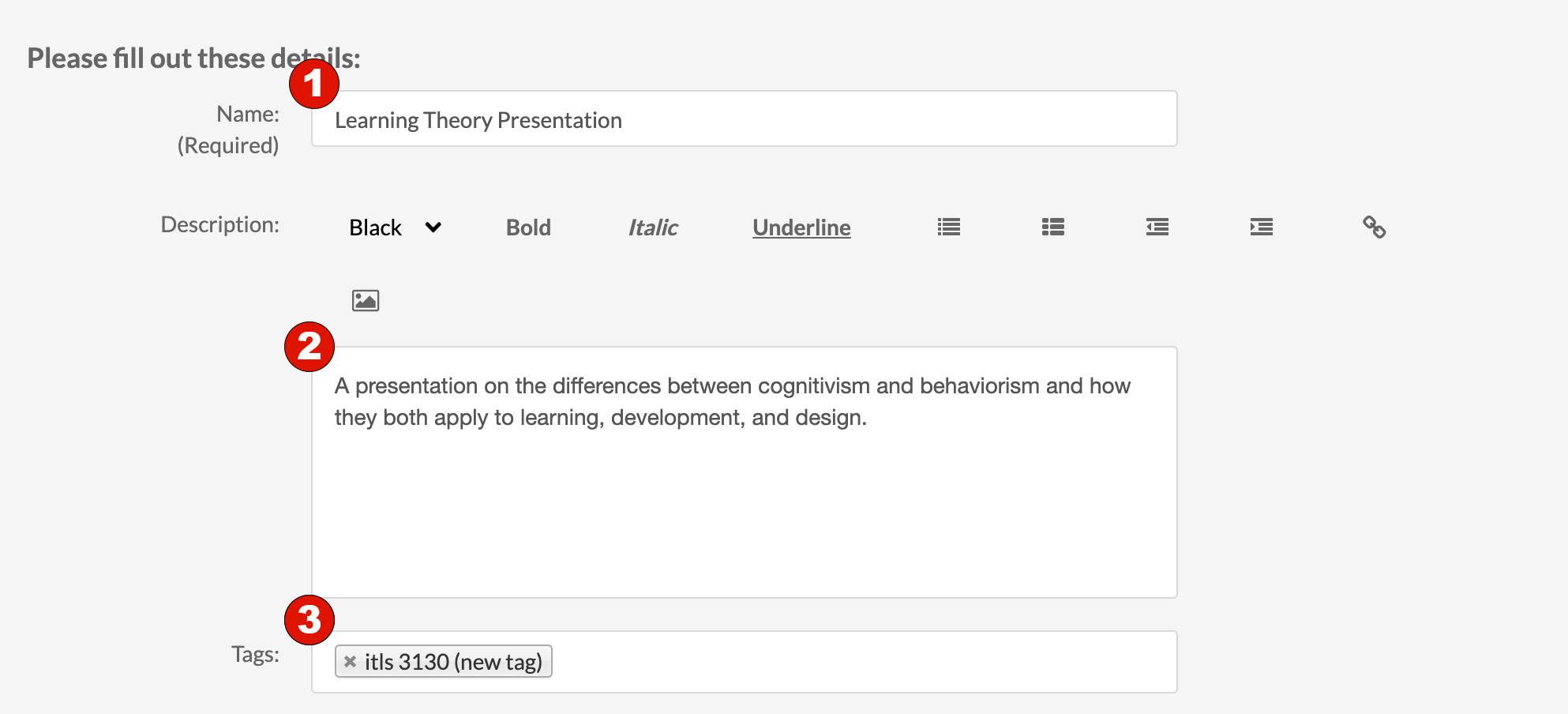
Click Save and Embed at the top of the window

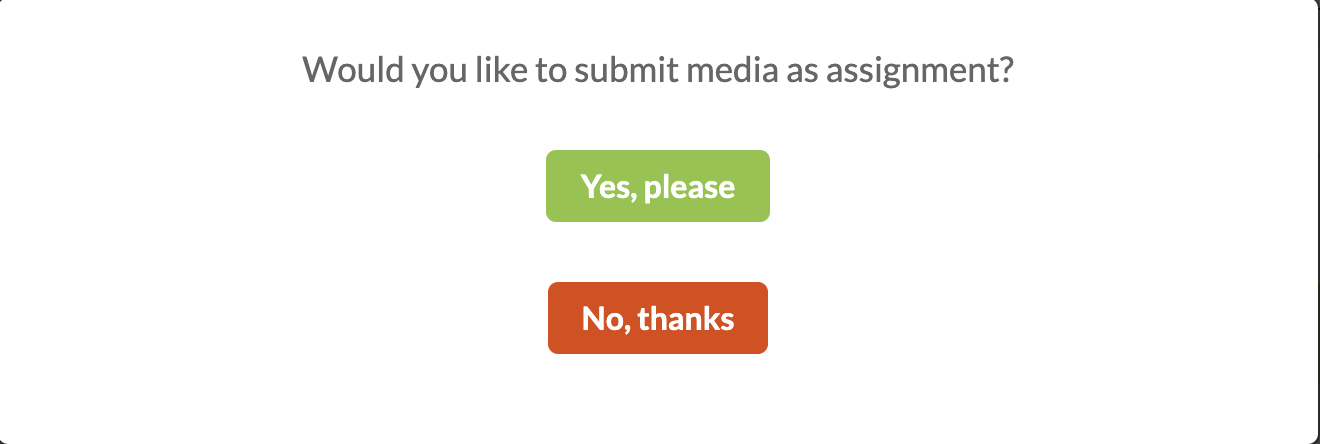
Click Yes, Please if asked if you would like to submit the media as an assignment
Add introductory text, then click Post Reply