
Recording a video response for a quiz, assignment, or discussion using Express Capture
When you are responding to a quiz question, discussion prompt, or assignment, you can record a video directly from your webcam using Kaltura Express Capture:
Open the quiz, discussion, or assignment in Canvas
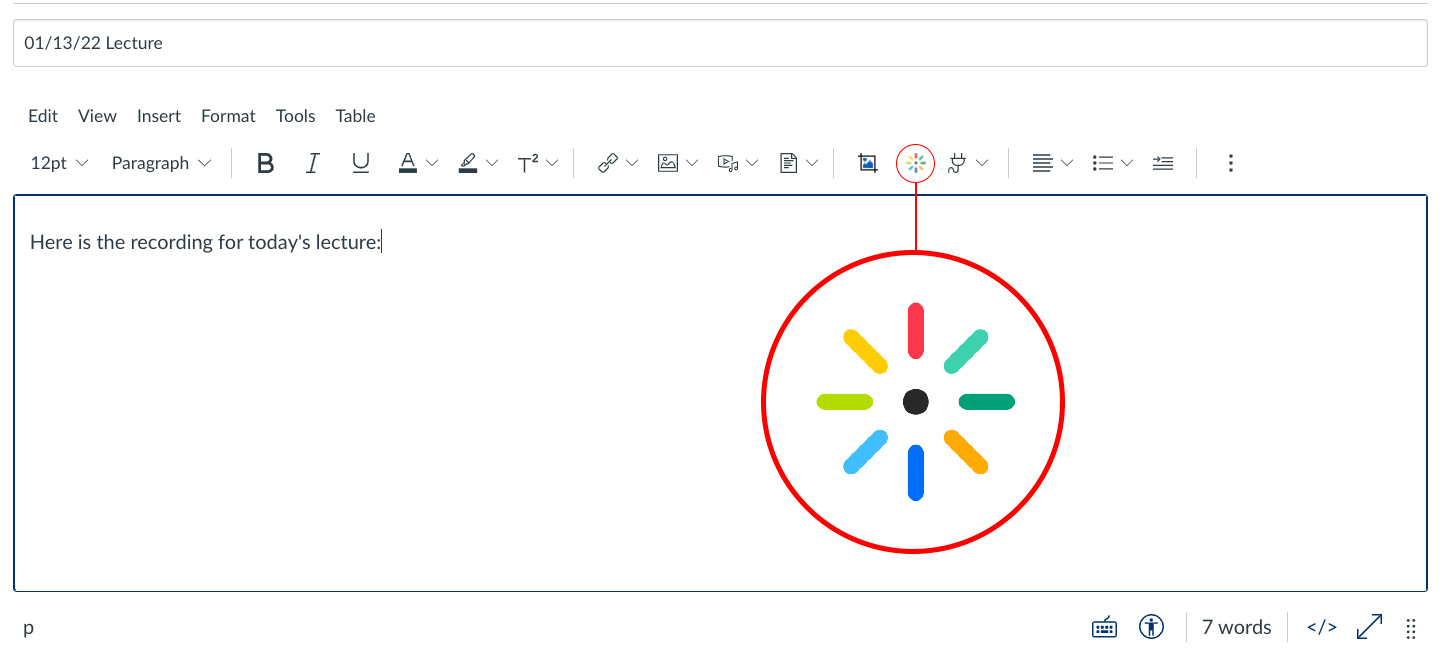
In the text editor box, click the Embed Kaltura Media icon
If prompted, click Authorize to authorize Canvas to access Kaltura
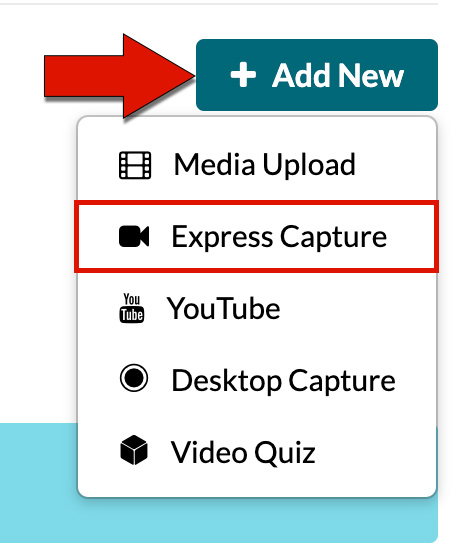
Click Add New, then click Express Capture
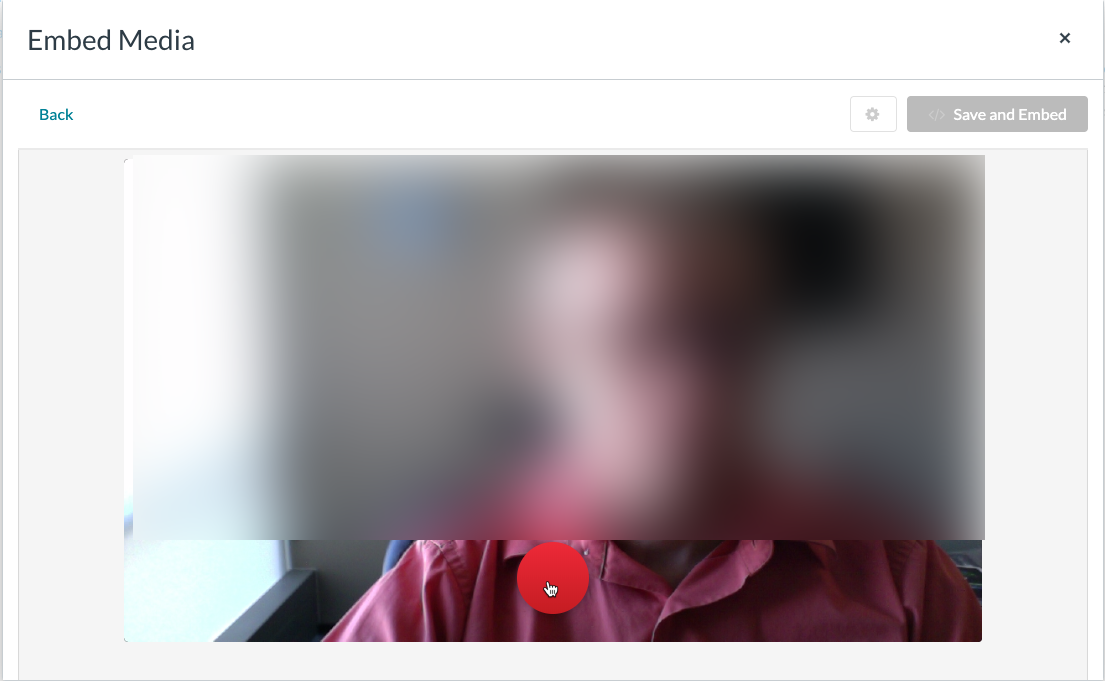
Click the red button to start recording
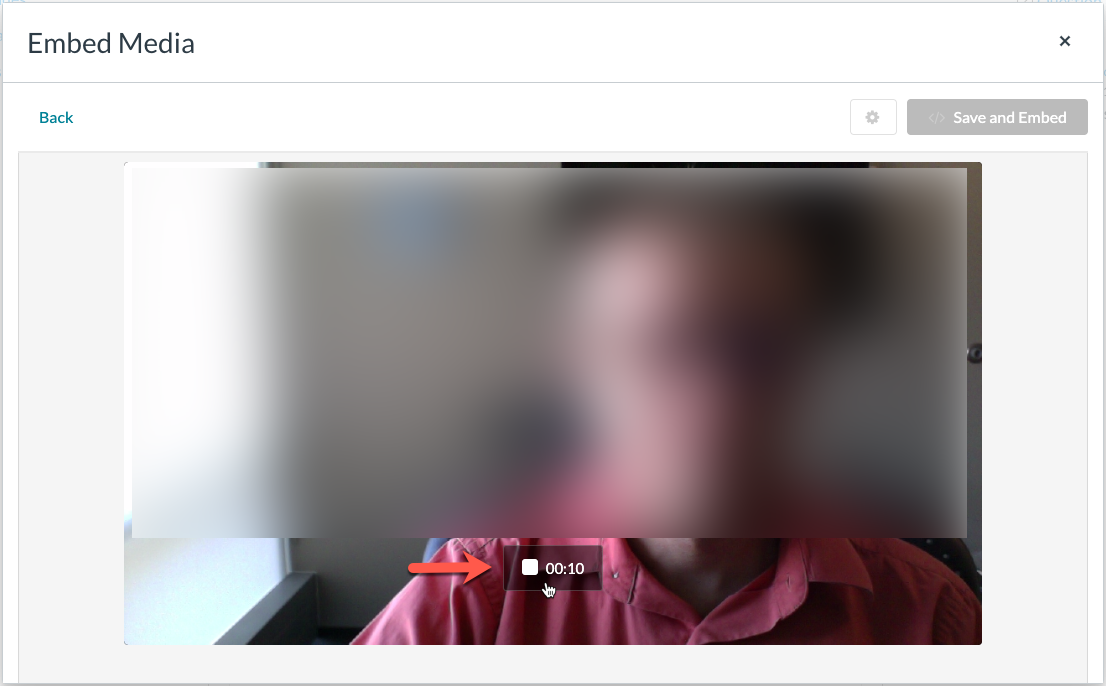
Click the stop button when you are finished recording
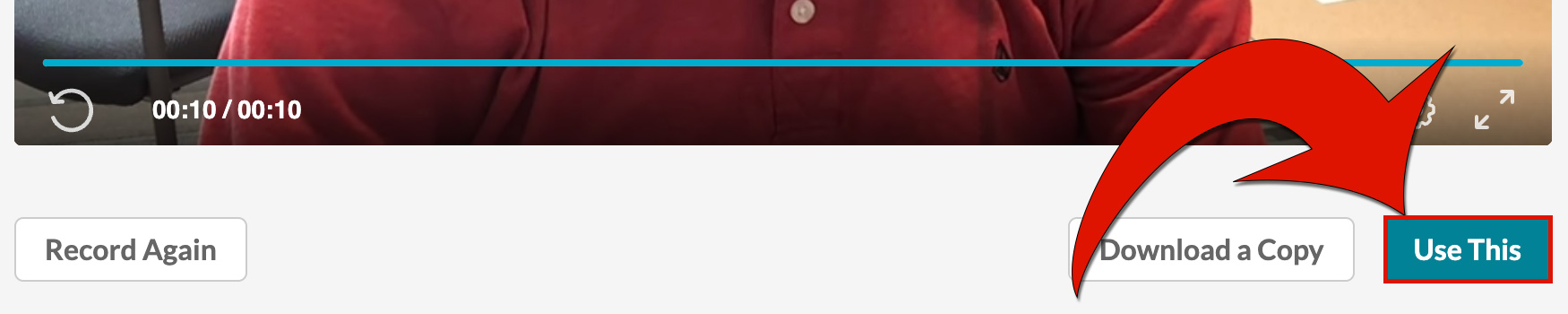
Review the video, then click Use This
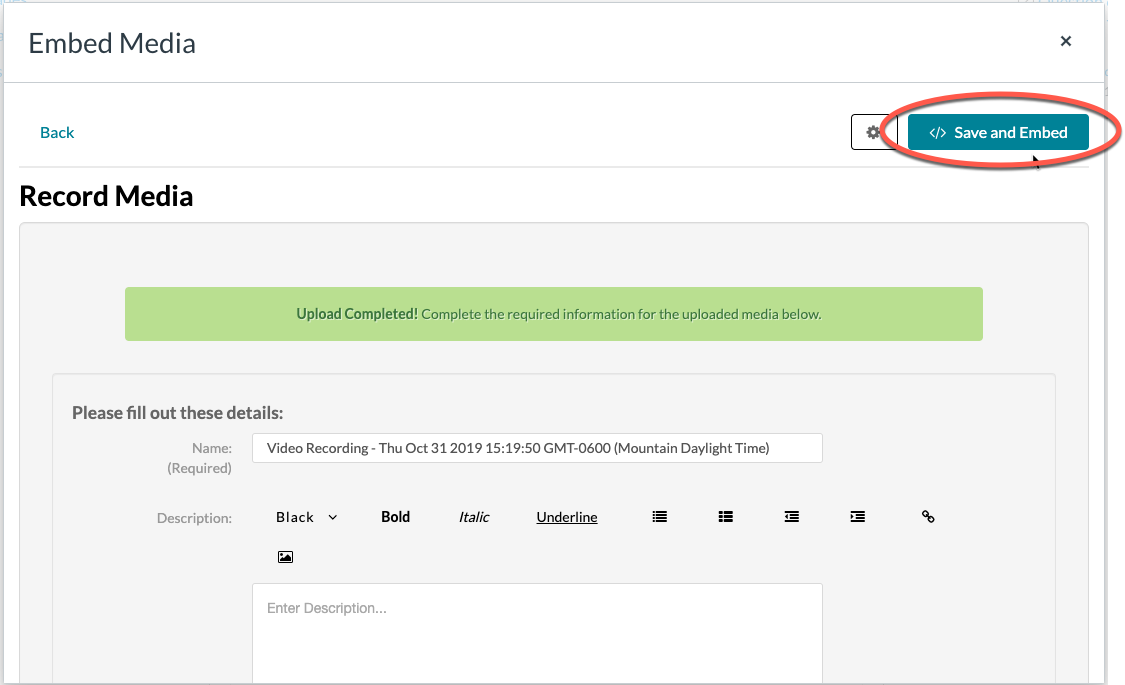
Give your video a name then click Save and Embed
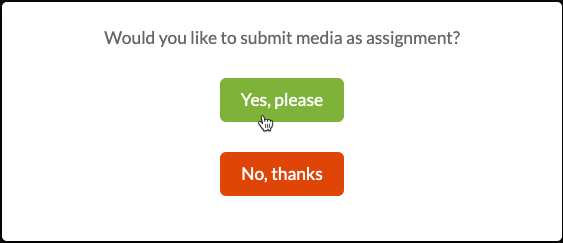
Select Yes, Please
The video is then embedded in the text editor
It will indicate that it is processing, but once processing is complete, the video itself will be playable. Either submit the assignment or discussion or move on to the next quiz question.