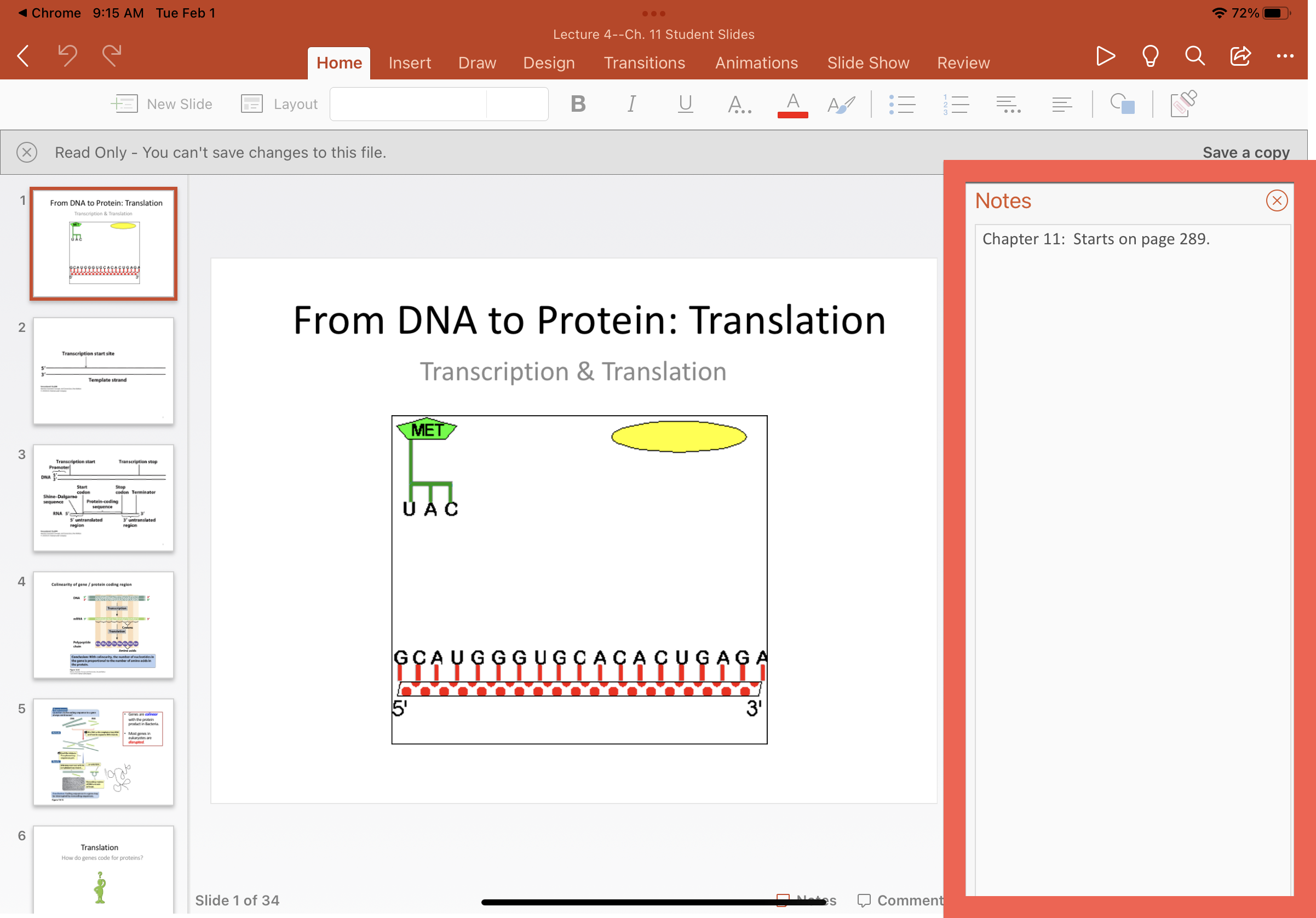
View Instructor's PowerPoint Notes on iPad
1
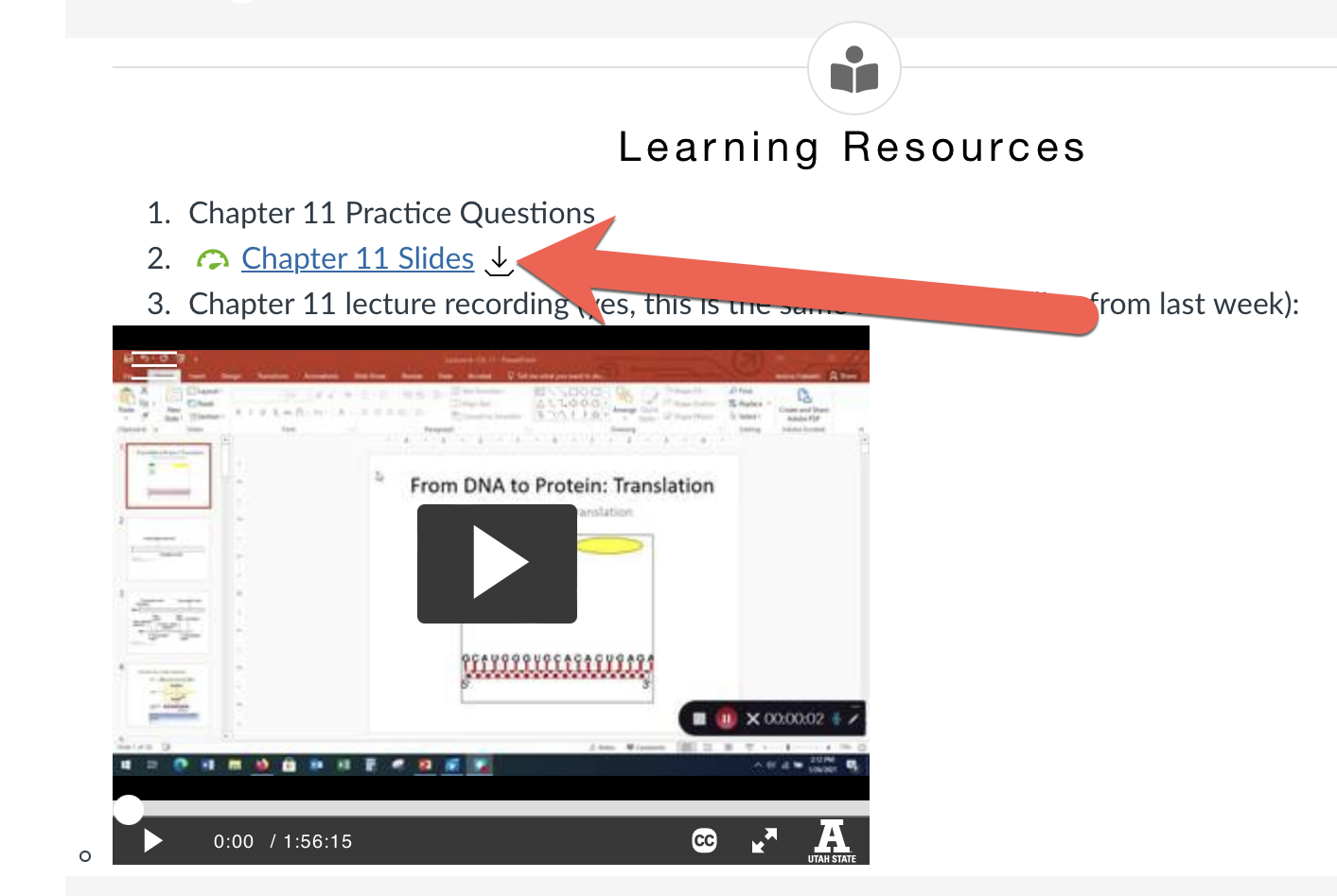
Download the slides by tapping on the download icon next to the file
2
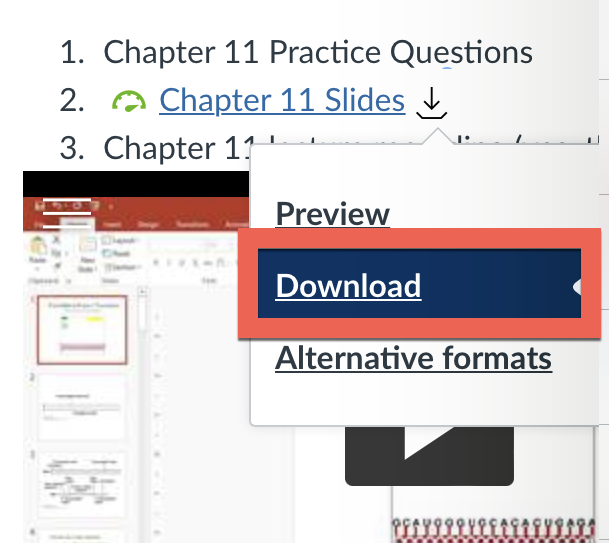
Tap Download
3
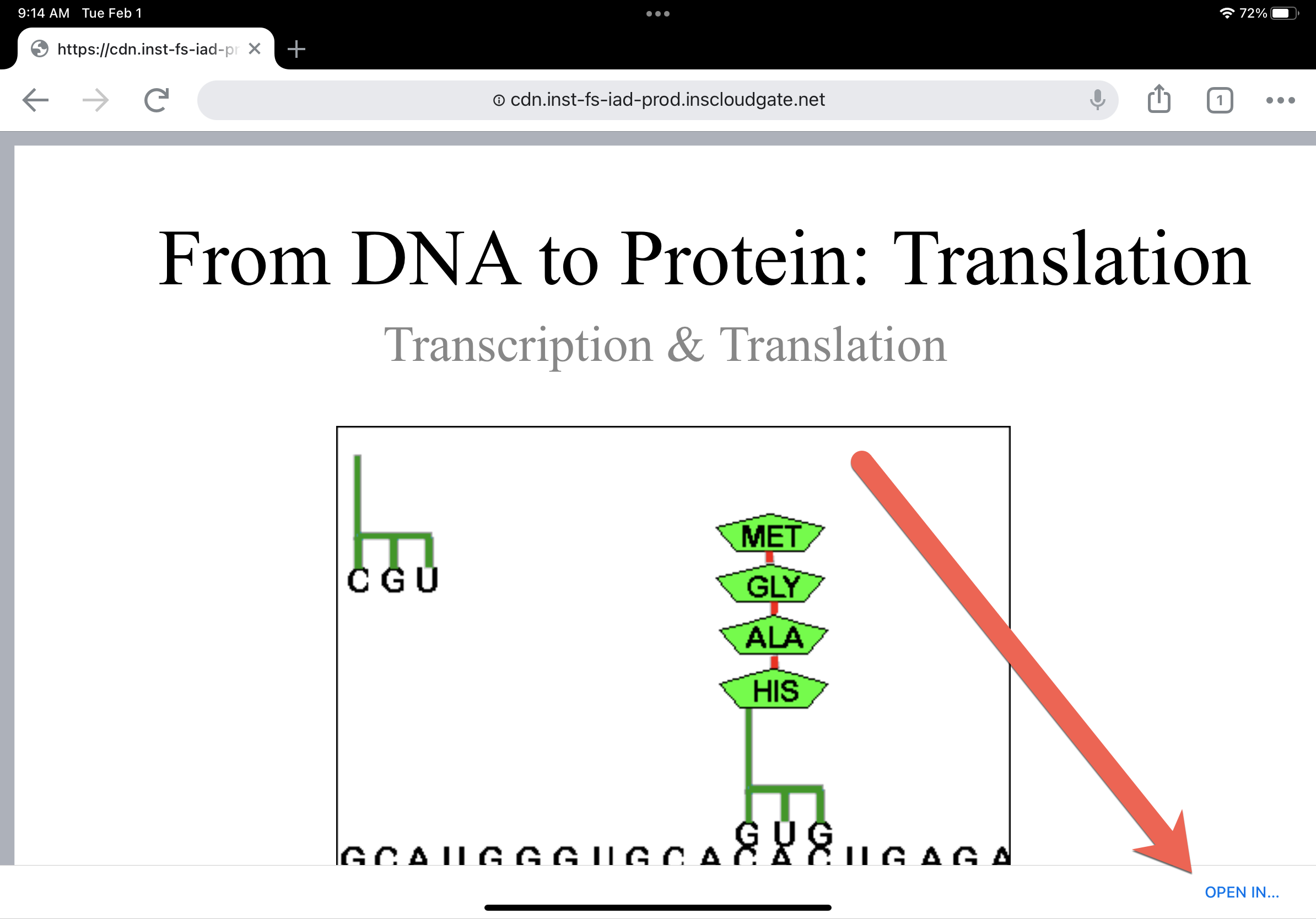
Open the downloaded file, then tap Open In... in the bottom right corner
4
Select PowerPoint

5
Tap Notes in the bottom right corner

6
The Notes panel will appear