
Importance
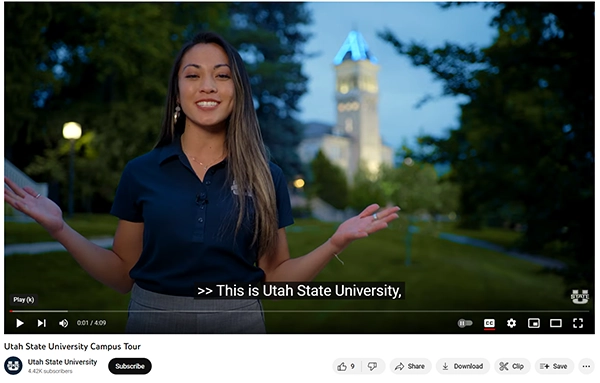
Adding captions to your videos creates an accessible and inclusive experience for all users. Captions are written versions of spoken words and other important audio that are synced with a video.
Captions Benefit Everyone
Besides making your videos accessible to users who are Deaf or hard of hearing, captions also provide the following benefits:
- You can watch videos in noisy environments, or when you can't listen to the sound.
- They increase your understanding of the content.
- You can search the transcript of a video.
- They help you understand a video that's in a language you're still learning.
- Having captions ranks your video higher in search engines.
- Many users prefer them!
Getting Started With Captions
If you have videos that need captions, there are lots of campus resources available to help you!
All videos added to My Media (Kaltura) are automatically captioned. For details about how this process works and instructions for adding videos to your course, visit the TEACH site:
Captioning Support
Help is available when captioning your content. Digital Accessibility Services can provide the following resources:
- Training on captioning your videos.
- A list of all videos on any campus website.
- An audit of a YouTube account that shows which videos need captions.
Please contact us for help.