
Achievements
Delphinium has an Achievement component where students can earn different badges for completing specific tasks defined by the instructor. These badges will then be displayed in the leaderboards where all can see. None of the templates have the Achievements component set as a default feature, so you will have to go in and manually add it.
Add the Achievements Component
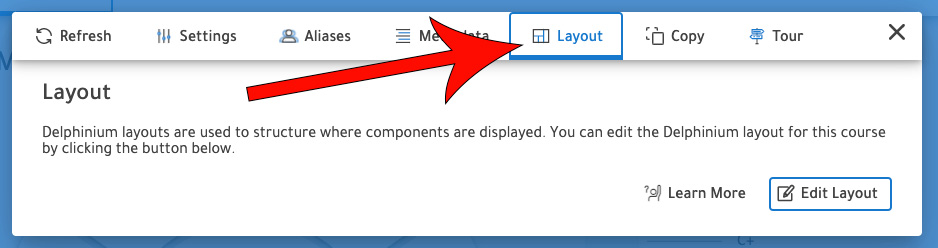
Go to Settings

Navigate to the Layout Tab
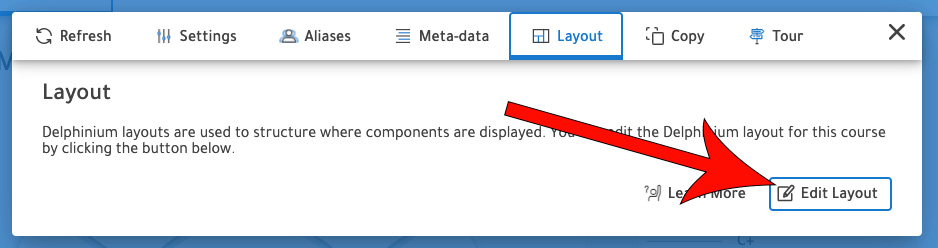
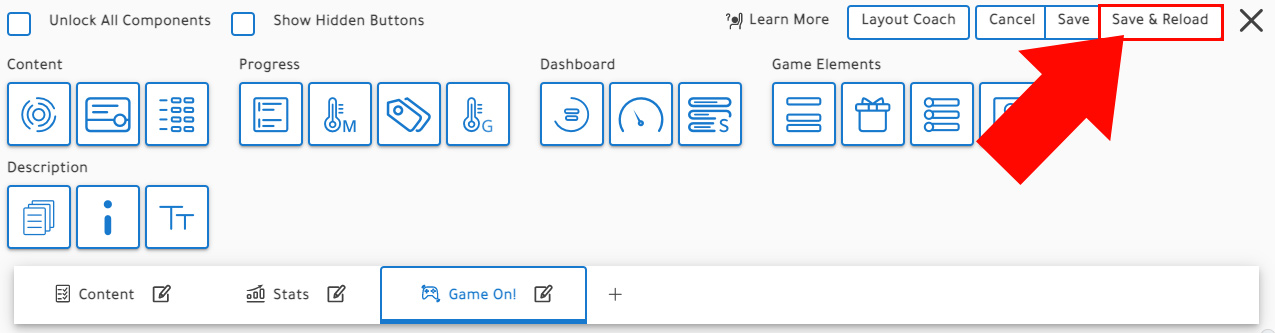
Click Edit Layout
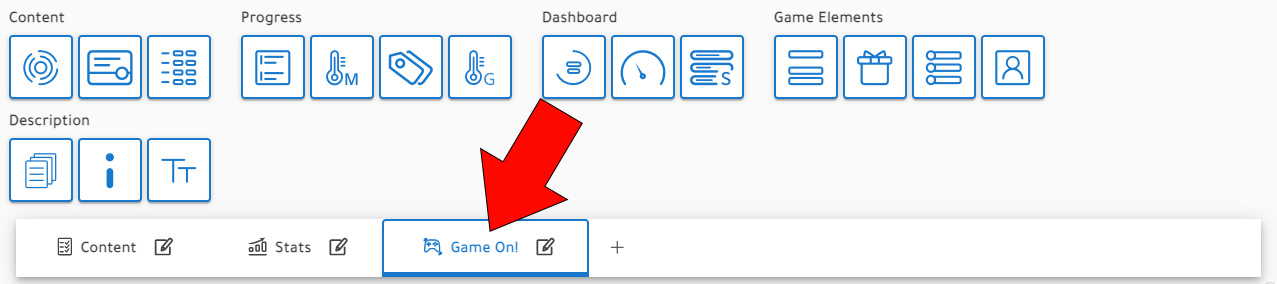
Select the tab that you would like to include the component
Note: We recommend a max of 4 components per tab to ensure easy visibility and accessibility for students on all platforms. See Layout Customization for more organizational tips.
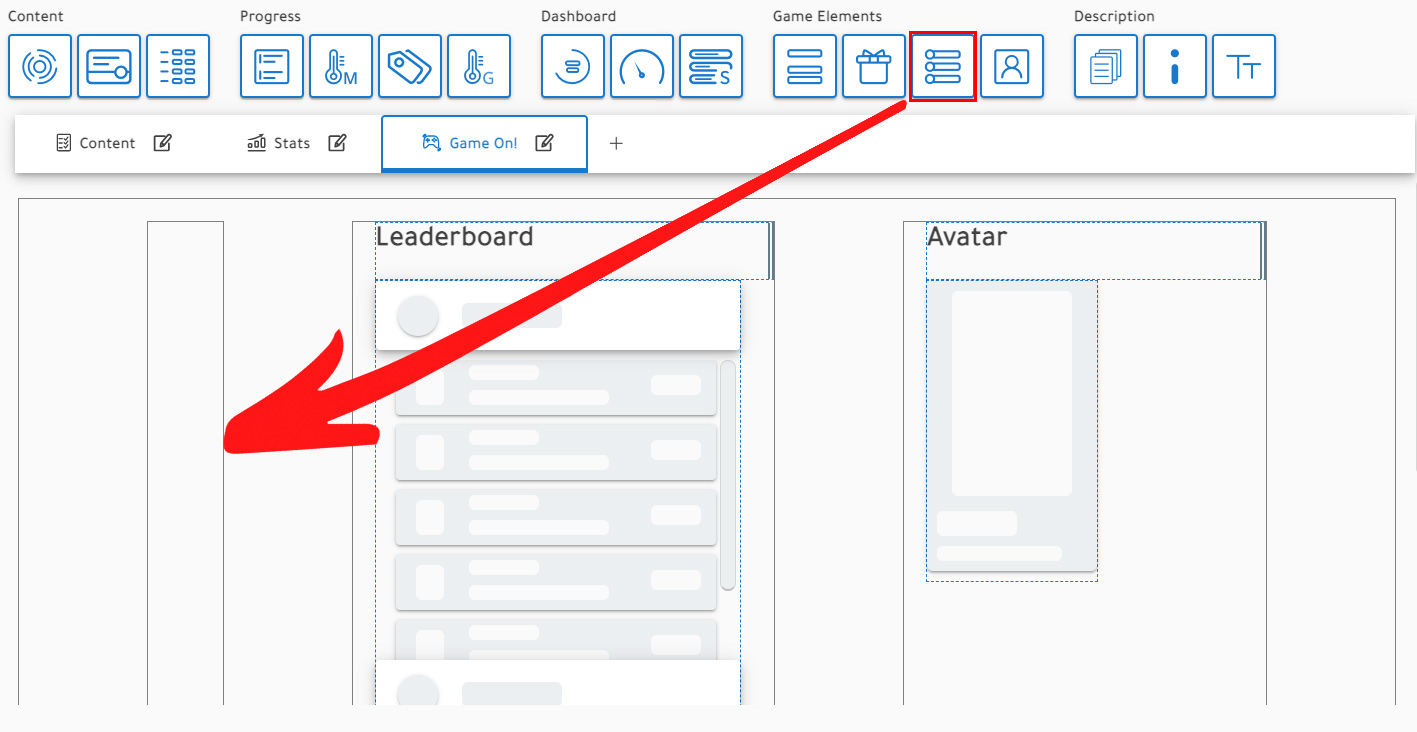
Click and drag the Achievements component into the content area
Click Save & Reload
Create Achievements
Go to Settings
Navigate to the Course Settings tab
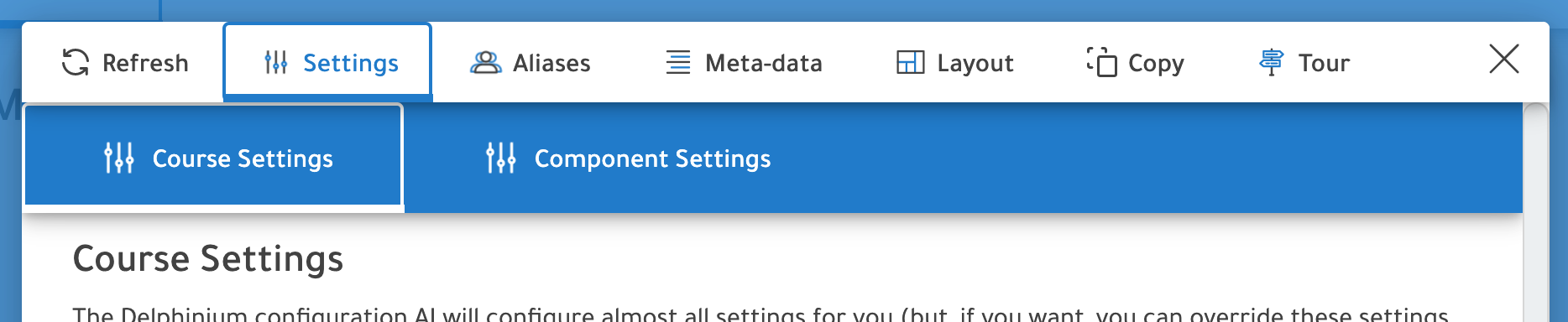
Select Component Settings

Navigate to the tab where the Achievement component is
In the example below, the achievement component is found under the Game On! tab.
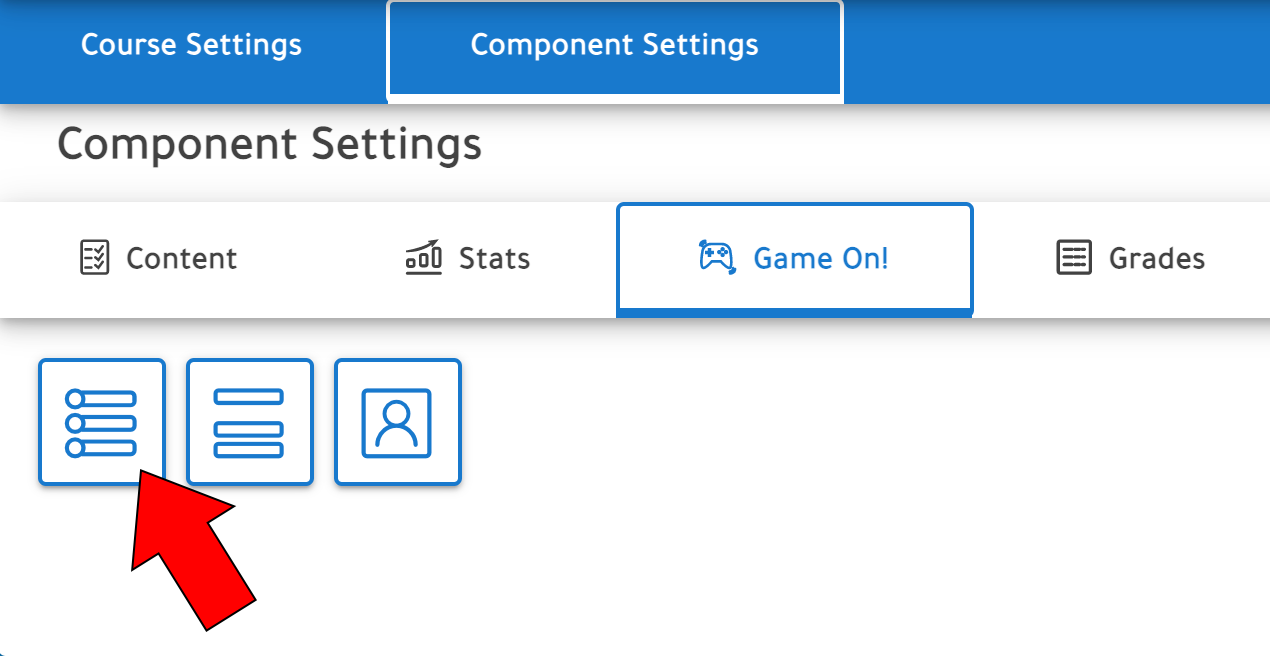
Click + Create Rule
Give the achievement a name, description, and icon
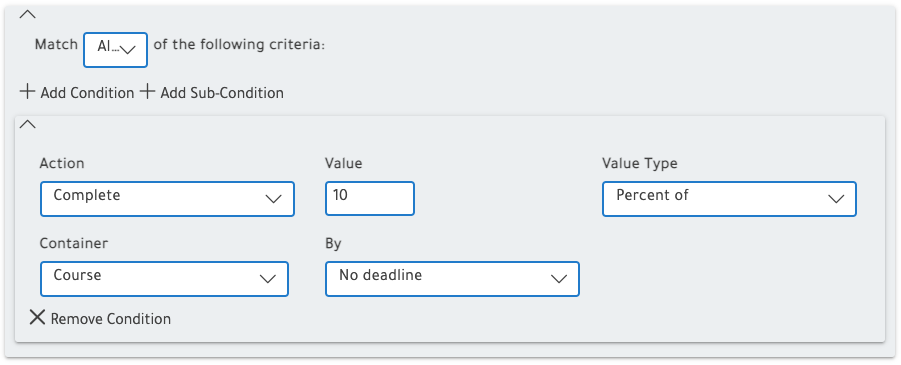
Create the conditions of your achievement
When creating a rule, you read it from left to right. So, the example below would read "Complete 10 percent of [the] Course by No deadline." Meaning that you would earn this achievement when you complete 10% of the course no matter the time of the semester.
Click Save Rule