
Create, Edit, and Remove Tabs
Delphinium is organized by theme and function through the use of tabs. If you would like to customize your tabs different than what the template provides you, do the following:
Creating Tabs
1
Go to Settings

2
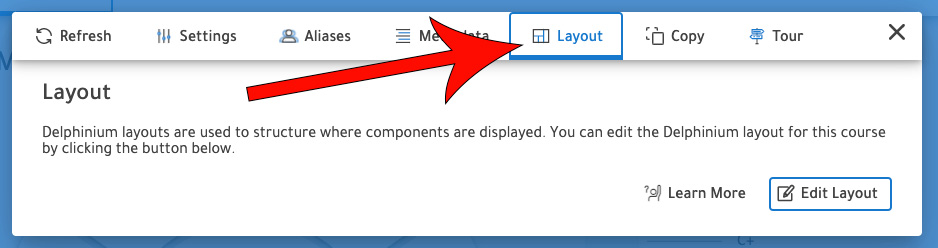
Navigate to the Layout Tab
3
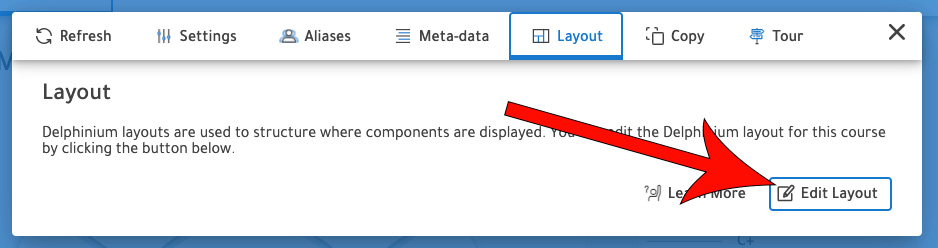
Click Edit Layout
4
On the navigation, click +

5
Enter the tab name and select an icon
6
Click Save
Editing / Removing Tabs
1
Follow Steps 1-3 of Creating Tabs
2
Click the Edit icon

3
Make the desired edits
OR
To remove a tab, click Remove, then Yes
4
Click Save