
Duplicate an Atomic Assessment Assignment
One of the great things about Atomic Assessments is that you can have an item in multiple places and it will update in all of the places if any changes are made. However, that is not helpful if you want to use the original assignment as a template for a new assignment. This page will walk you through the steps of duplicating an assignment, the activity behind it, and the items within it to use as a template for a new assignment without modifying the original.
1
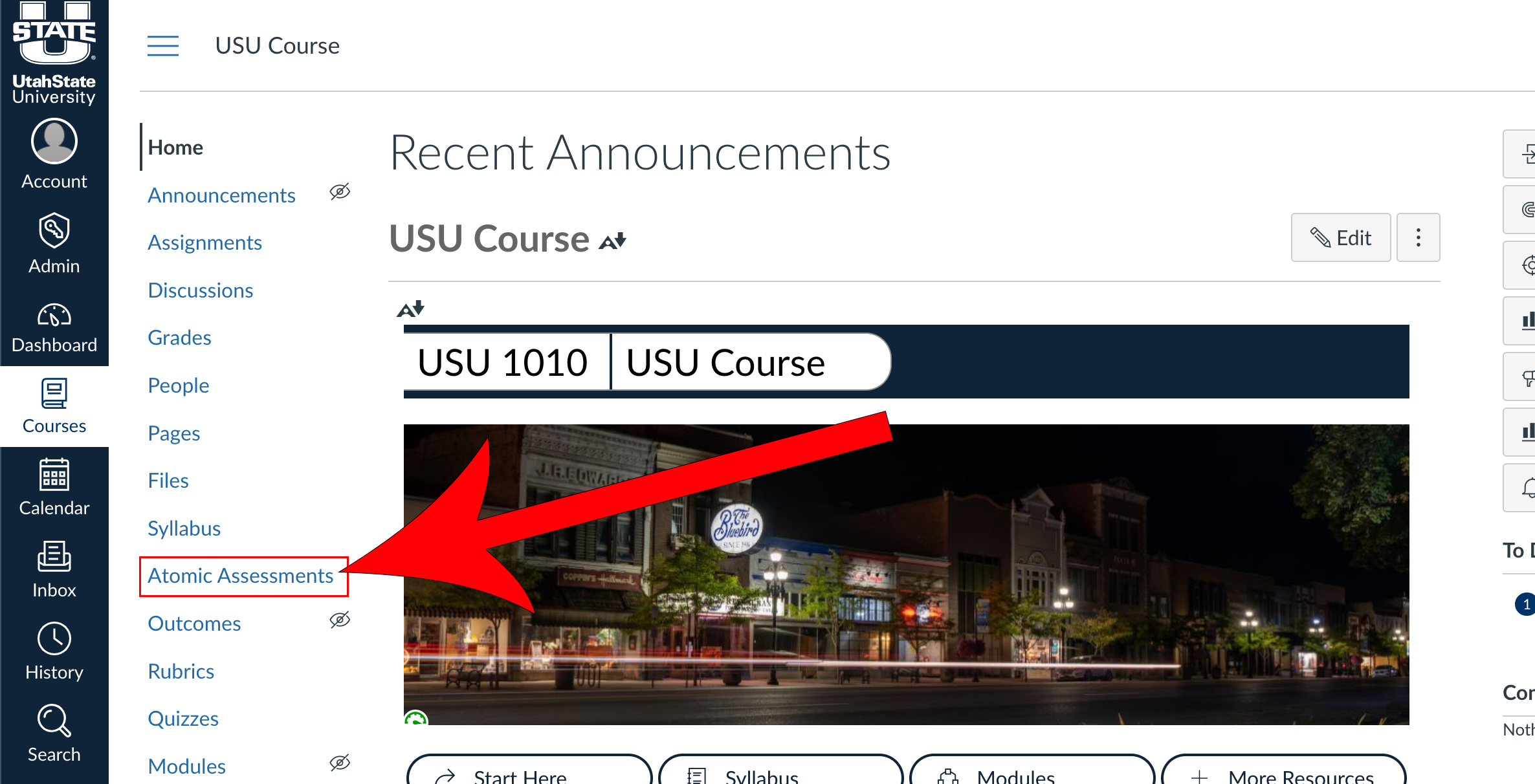
Navigate to Atomic Assessments
2
Click the down arrow on the New Assignment button and select New From Existing Activity

3
Select the assignment you would like to duplicate

4
Give the new assignment a name and update the settings accordingly