
Allow Student Review on "Locked After" Atomic Assessments
Have you set up an Atomic Assessment to allow student review, but students don't have a way to review it?

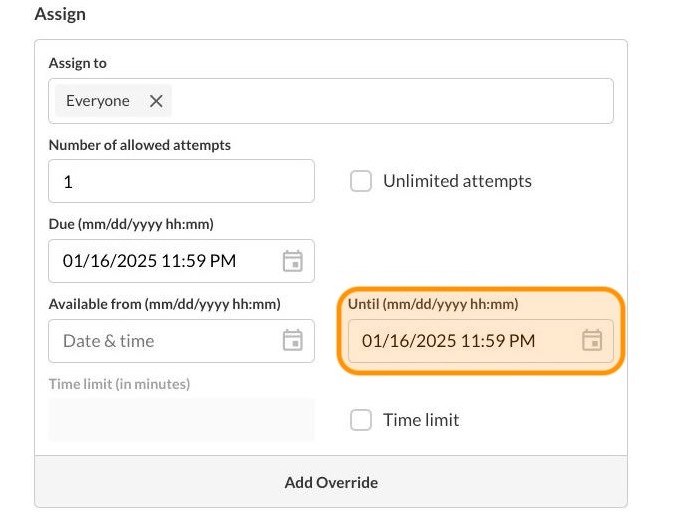
This is due to the "locked after" date being enabled and while using the Canvas new "Assignment Enhancements - Student" feature.
Step-by-step:
1
Click on the course Settings link

2
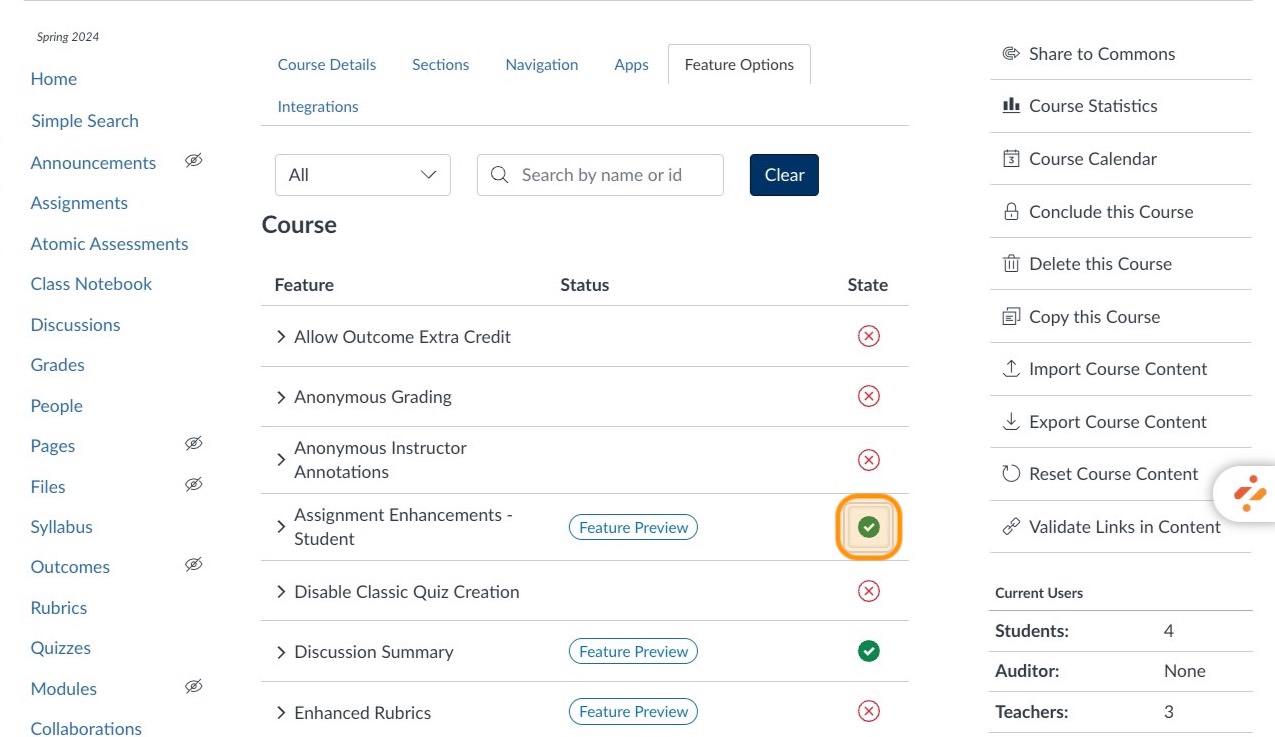
Click Feature Options

3
Disable Assignment Enhancements - Student. Click on the green circle next to the feature...
4
...then click Disabled from the dropdown menu.

5
Now students will have the option to click on Submission Details

6
Students can now click on the Review button to see their assessment feedback.
