
Duplicating Atomic Assessments Items
Atomic Assessments allows you to duplicate question items, which could be useful if you would like to duplicate an item to use as a template for a new question.
1
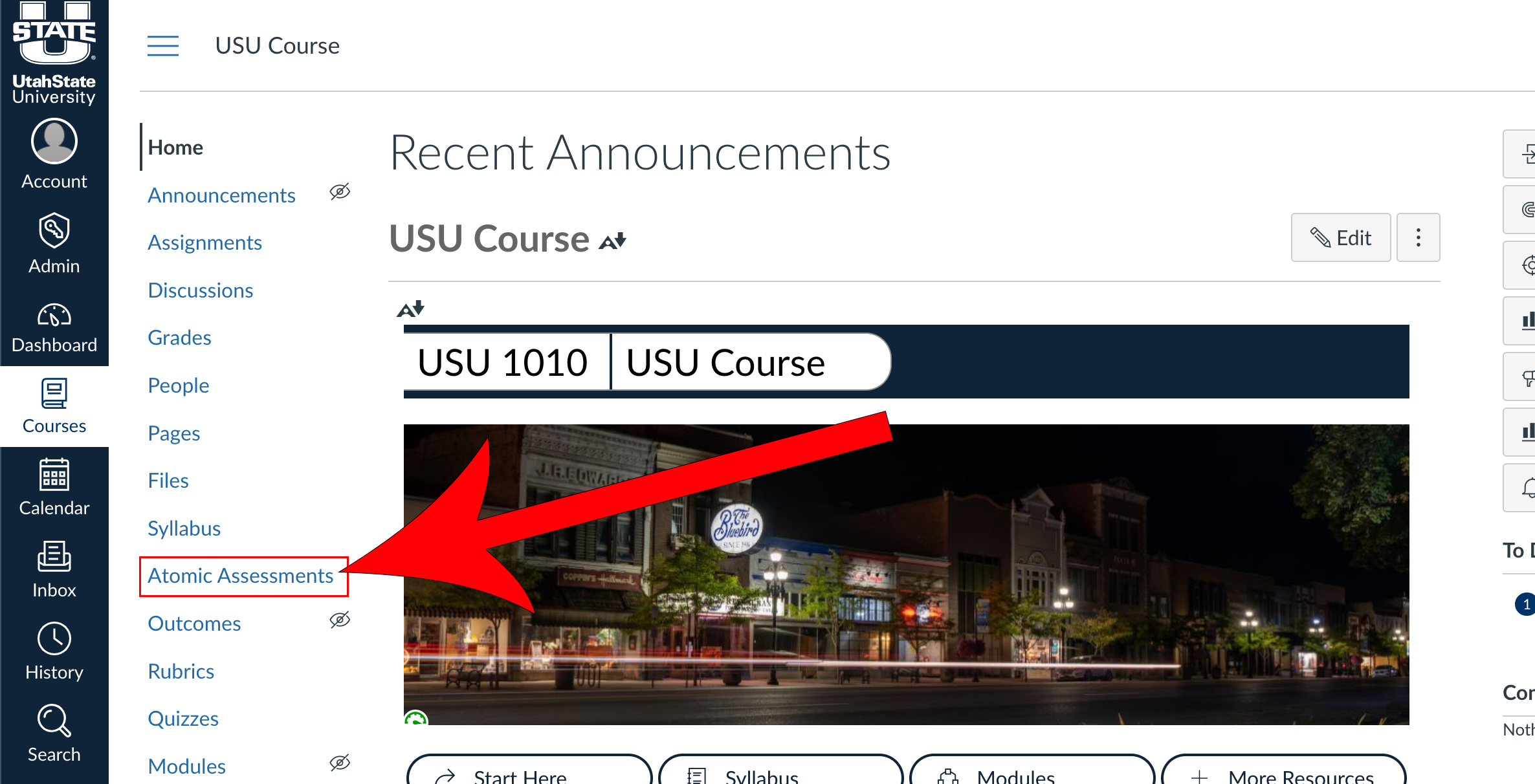
Navigate to Atomic Assessments
2
Select the assignment that contains the item
3
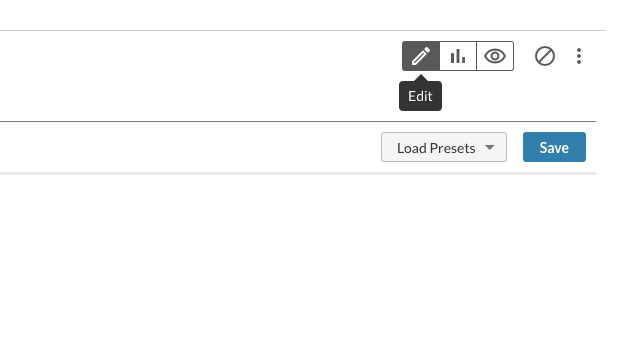
Navigate to the Edit tab
4
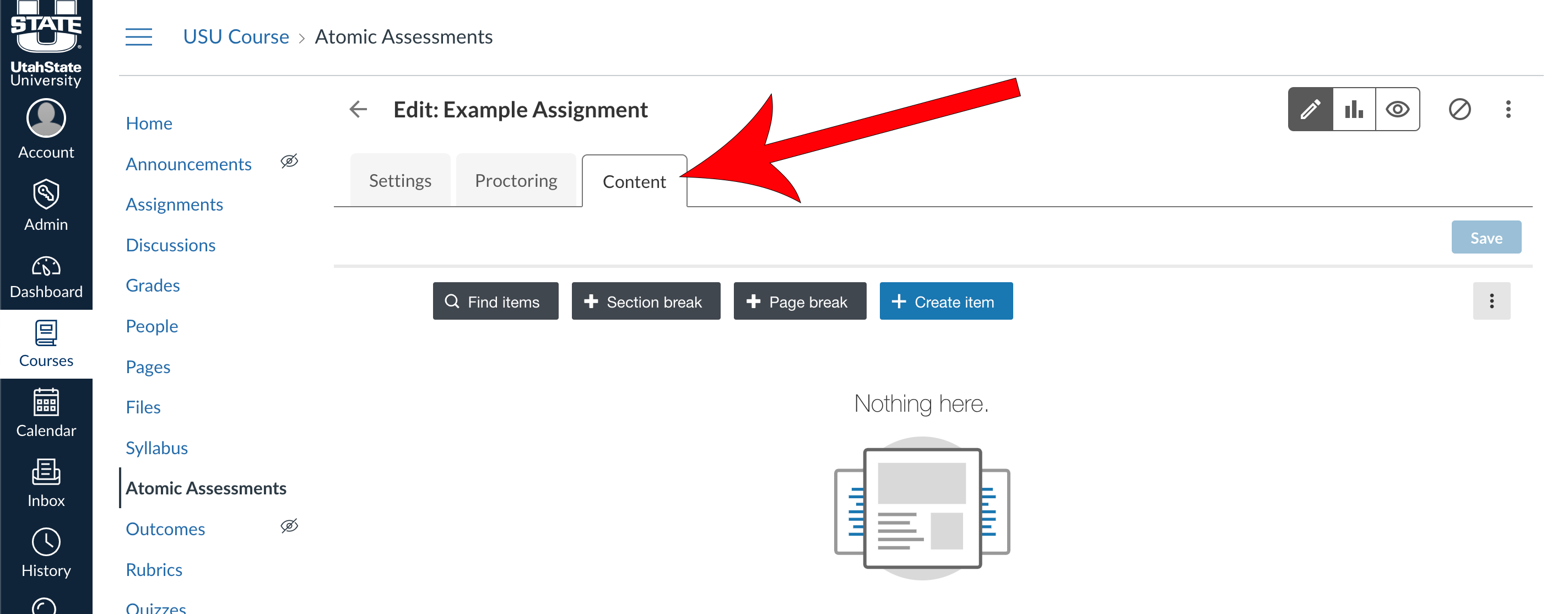
Navigate to the Content tab
5
Select the Item

6
Click Duplicate Item

7
Give the duplicated item a name and click Duplicate
