
Add a YouTube Video to My Media
You can add a video from YouTube to your My Media repository. After the video is added to My Media, you can publish it to one or more course media galleries. This is great for including the YouTube video in your course video playlist or to add a video quiz.
Kaltura YouTube additions are limited to public YouTube videos only. Whether these videos stay available depends on YouTube and the person who owns the video.
To include a YouTube video in My Media, follow these steps.
1
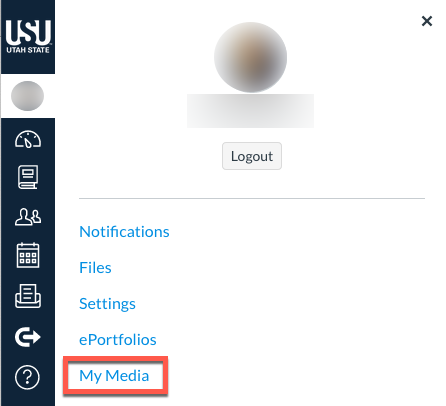
Open My Media
2
Click Add New, then click YouTube

3
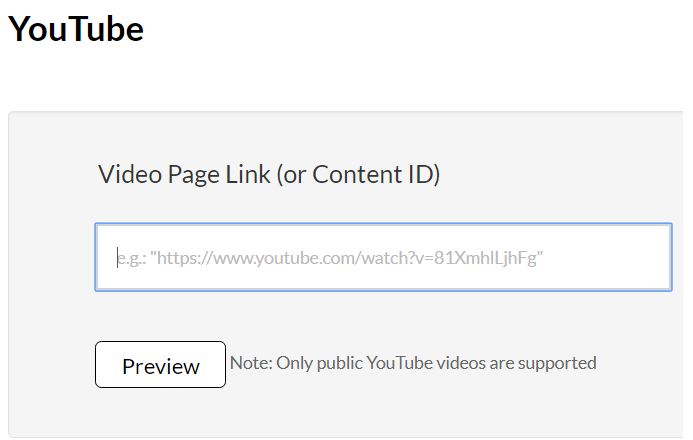
Type or paste the video page link
4
Complete the required information on the Upload Completed page
5
Click Save