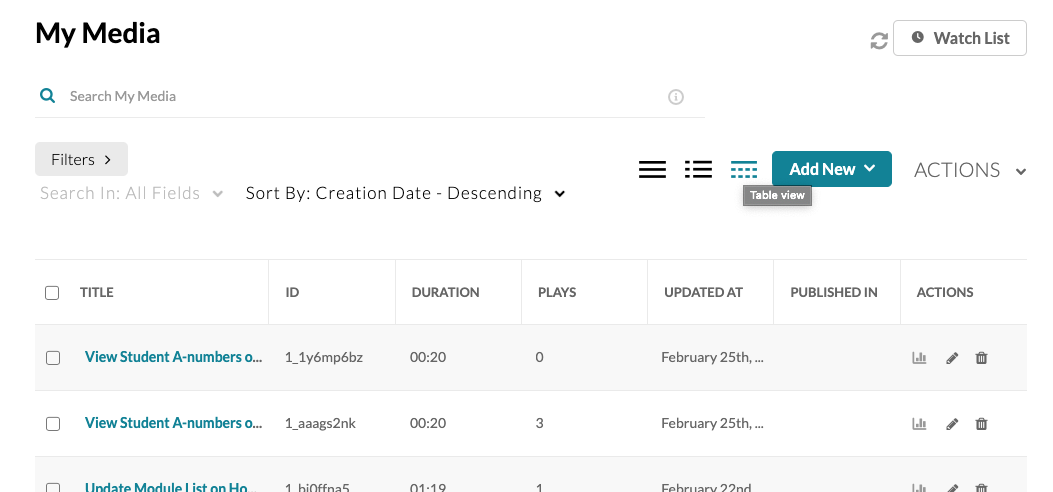
Customize your My Media Repository
Once you add your videos to My Media there are a number of tools available to help you organize, manage, and find them.
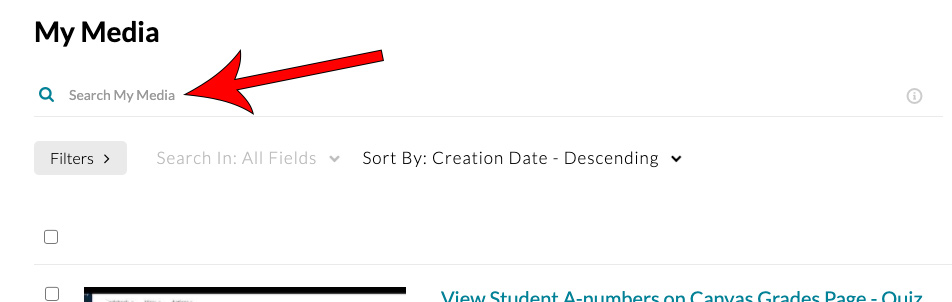
Search My Media
The Search tool on the My Media page works as you would expect and searches your videos by their title, description or any tags you have added to the video. The search functionality is not case sensitive so media with the word “Lecture” in the title returns media with both “Lecture” and “lecture.”
Filters
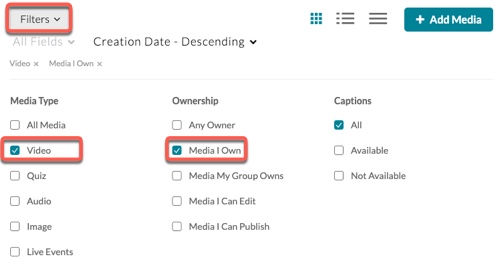
With the Filter tool, you can view only the content that is most important to you.
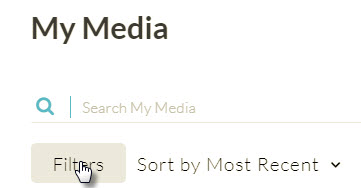
To select a filter, click Filters
In the Filter Selection window, select the filters
Sorting
You can sort your media by:
- creation date
- update date
- alphabetical
- view
- plays
- scheduling
View Options
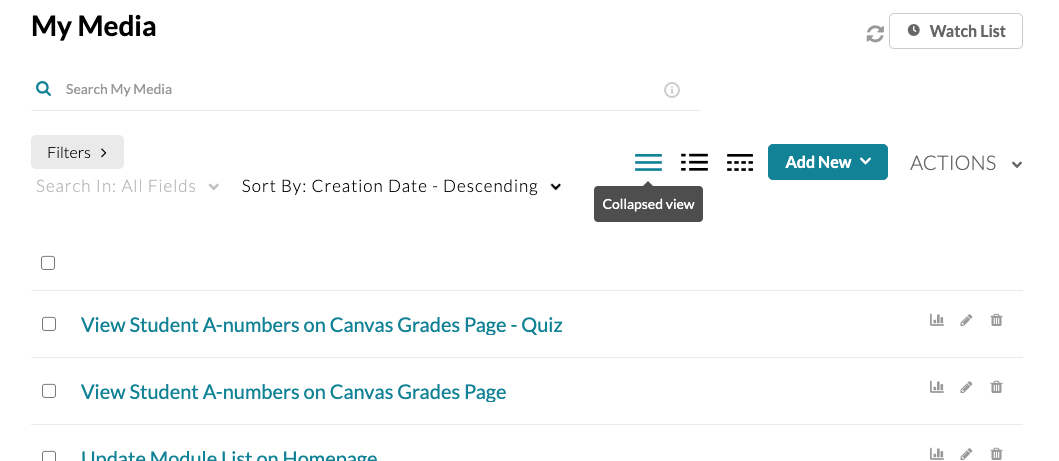
The View tool lets you switch between Collapsed view, Detailed view, and Table View.
Collapsed view lists just the video title
Detailed view provides a thumbnail, a description, the number of views, how long ago the video was published, and whether or not the video is published
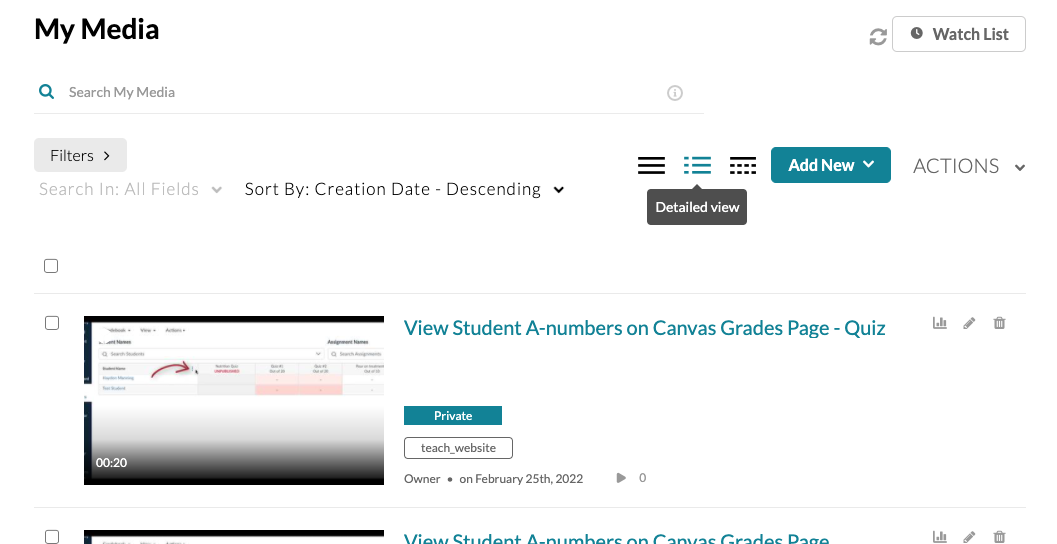
Table view displays title, tags, plays, updated date, locations where the media is published and actions that can be taken