
Quiz with Rubric (Gen Ed)
Review the general education outcomes for your class
(You can view these by going to your class in Canvas and clicking on the Outcomes link.)
Create a Quiz Open External Page in your Canvas course
Within the quiz, include a question(s) that will allow you to determine if students have met the general education outcome
(You might want to collaborate with colleagues.)
Save the quiz you have created
Click on the quiz options button and select Show Rubric

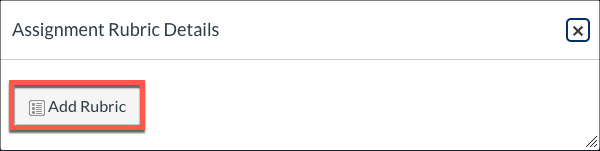
Click the Add Rubric button
Delete the default criterion
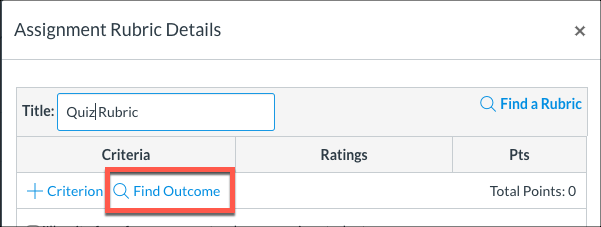
Click the Find Outcome button
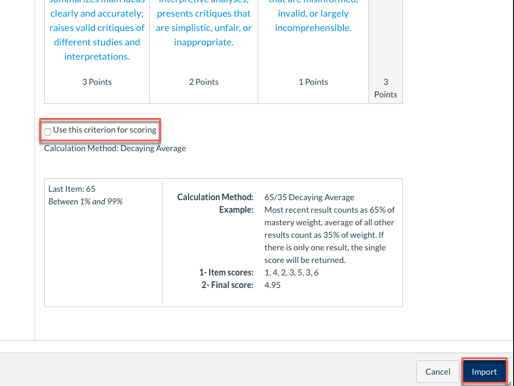
Locate and select the appropriate general education outcome, un-check the box for "Use this criterion for scoring," then click the Import button
Repeat Steps 8–9 to add an additional general education outcome, if applicable
Click the Create Rubric button

Close the rubric

Finally, check the quiz settings for accuracy and publish the quiz
