Student Self Evaluation in Canvas
To see what the self-assessment portion of the rubrics looks like for students, you can view the following steps, or follow them yourself to see how it works.
1
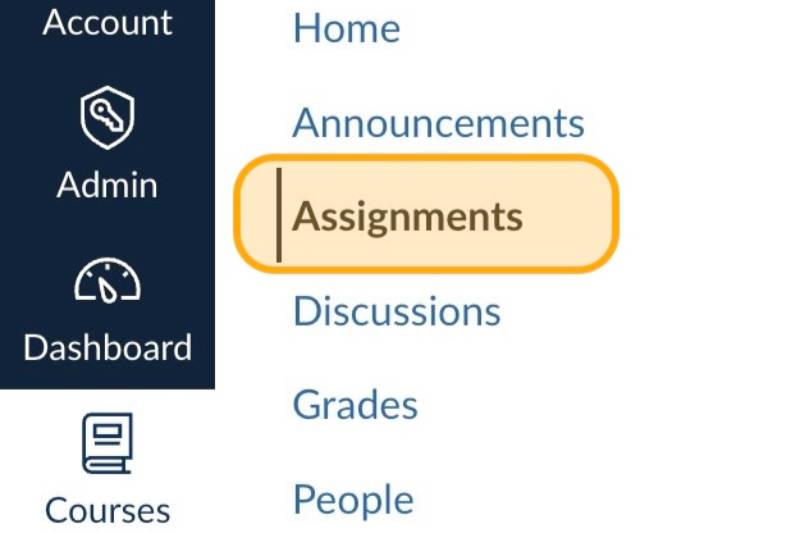
Navigate to Assignments
2
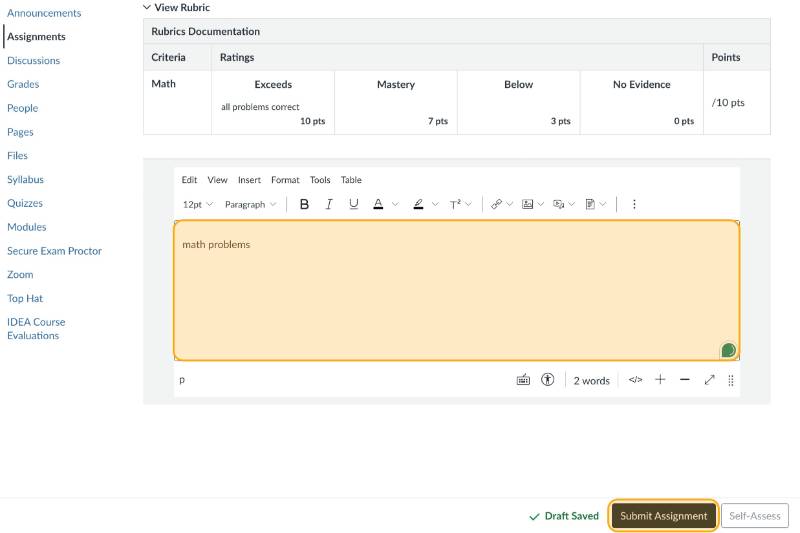
Complete the selected assignment, then click Submit Assignment
3
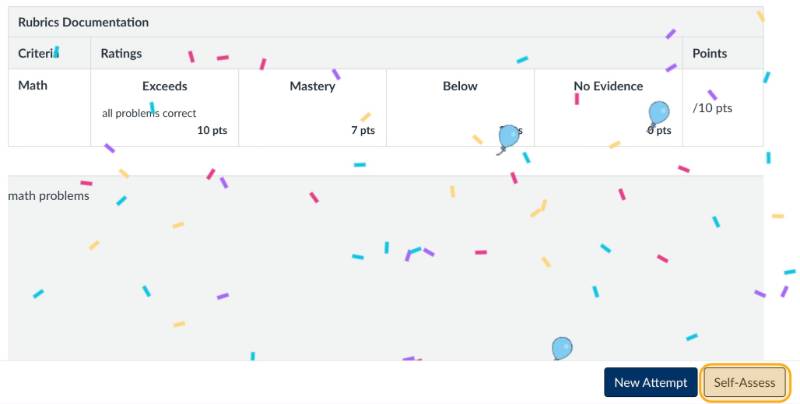
Click Self-Assess
4
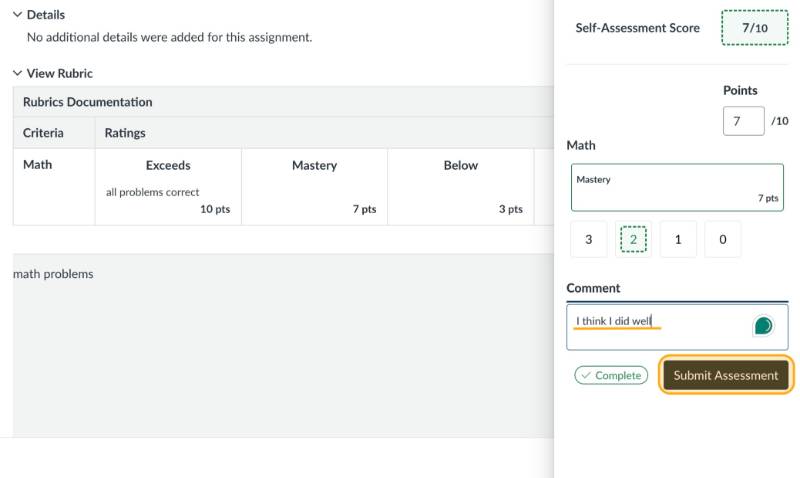
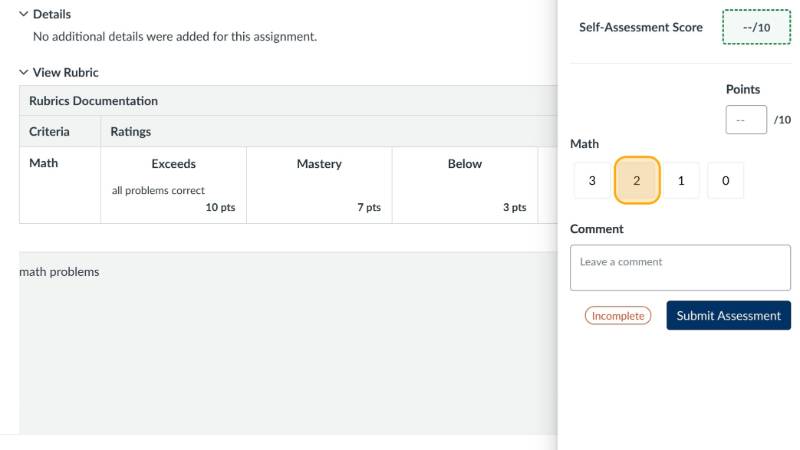
Select a self-assessment rating
5
Fill in the Comment field, then click Submit Assessment
Students can leave comments for the instructor.