
Download Assignment Rubrics
1
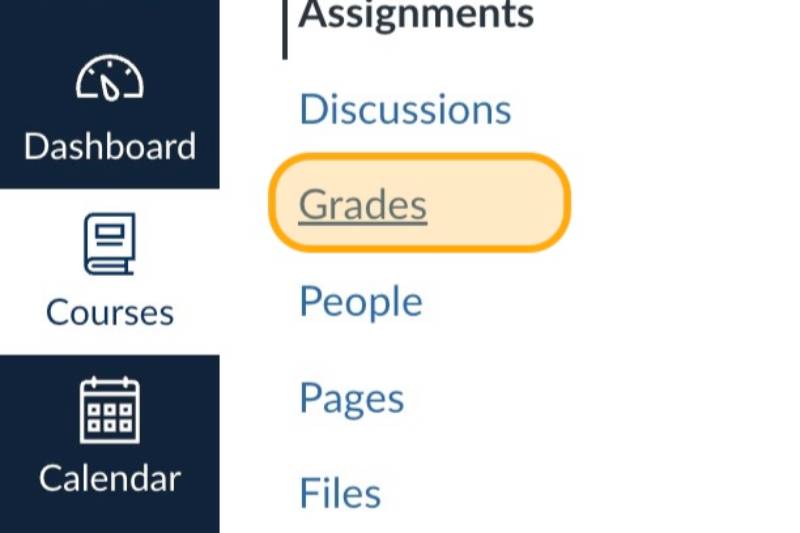
Open Grades
2
Click the options menu for the assignment rubrics that you want to download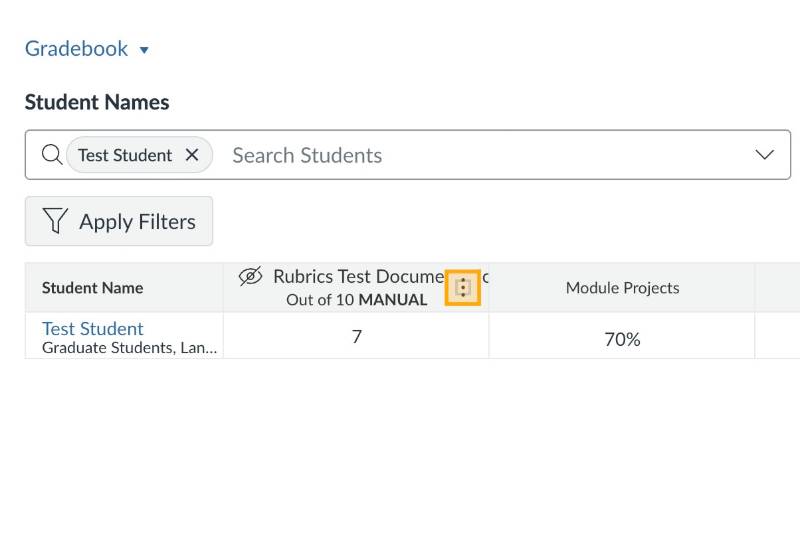
3
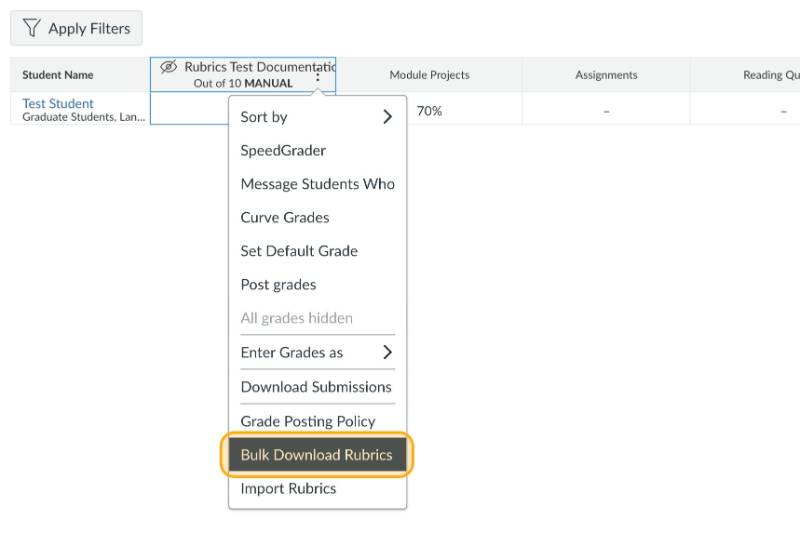
Click Bulk Download Rubrics
4
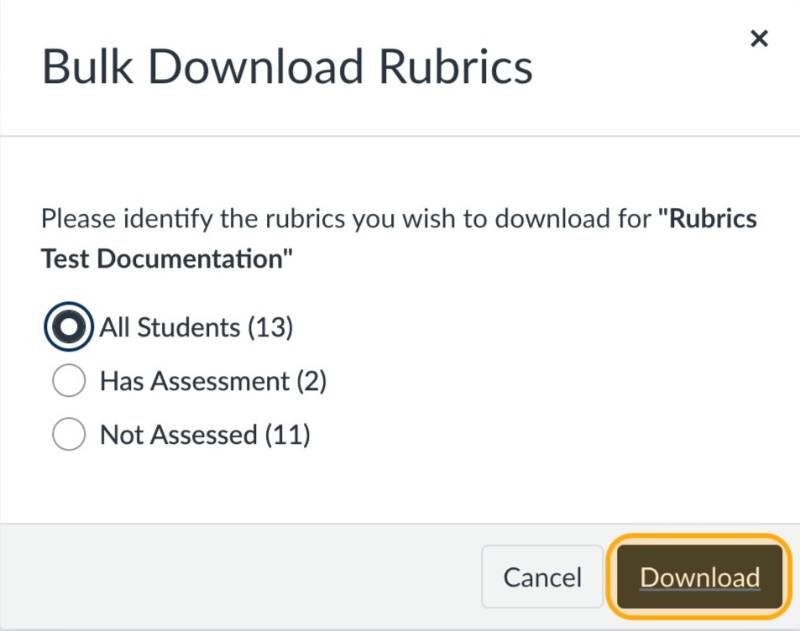
Click Download
5
You can then open the dowloaded csv file and edit it. You can then upload the file again to change grades
Note: For more detailed instructions see How do I add a rubric to an assignment?
Open External Link
in the Canvas Guides or see our section on attaching rubrics to discussions.